What is Umbryx
Note
Umbryx is developed with AI-assisted tooling. Every release passes an automated test suite and a security review before shipping.
Not a note-taking app. A platform where reconnaissance, operations, evidence, and reporting live in one space — and feed each other.
The problem it solves
A typical engagement runs across a dozen tools and three open terminals. Scan results live in text files. Credentials are in a spreadsheet. The network diagram is in a separate draw.io tab. Findings are in a Word document that gets updated at the end.
Umbryx puts the entire engagement state in one place:
- Operations run from the platform, not just logged into it
- Results update the state — a scan creates hosts, cred validation marks access edges, found hashes become loot
- The graph reflects what you know right now, not a static diagram drawn once
- Reporting pulls from real data, not from memory
Current state
Actively developed — see Planned features for what's next. Recent focus:
- Workstation pool (EE) — pre-provision attacker machines through Platform Ops providers (Hetzner, Proxmox, Docker, Kubernetes, plain SSH), bind them to users via profile SSH keys with full grant/revoke audit trail
- Platform Ops (EE) — infrastructure-as-catalog: C2+redirector stacks, phishing kits, and pivot chains deploy with an automated post-deploy pipeline (firewall, discovery, DNS, credentials, VPN)
- Ongoing security hardening pass across ROE/scope enforcement, auth timing, and admin authorization boundaries
Core capabilities
Orchestration
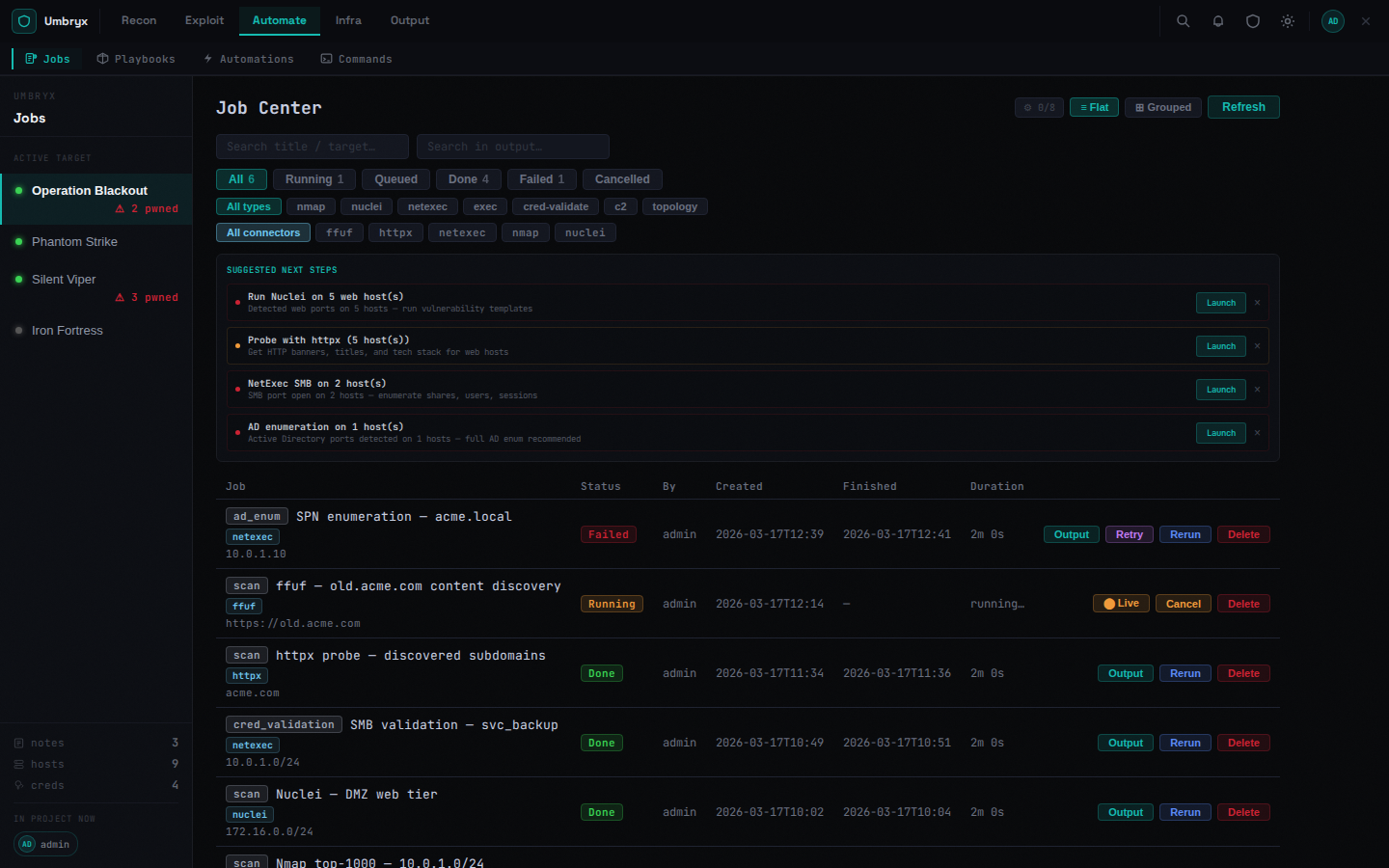
Run tools through the platform. Every operation is a Job with a status, output, and structured result that feeds back into the project state.
| Scans | nmap, nuclei, httpx, ffuf — via attacker SSH or global connector |
| Bulk operations | Execute against dynamic host collections: all Windows, all with valid SMB cred, all in subnet |
| Credential validation | SMB, WinRM, SSH, LDAP, MSSQL, RDP — results create access edges and finding candidates |
| AD workflows | SPN enum, ASREP, delegation, ADCS, BloodHound collect, domain enum |
| C2 integrations | Adaptix, Mythic, Sliver — pull sessions/callbacks and credentials, execute commands from the host actions panel or as a playbook step |
| Playbooks | Ordered operation sequences with live step polling and a dedicated c2:exec step |
| Cancellation | Running jobs can be killed — stops the subprocess, not just the DB record |
State tracking
Operations change the project. Automatically.
- Nmap scan → hosts created/updated with ports and OS
- Cred validation → access edges in the graph, host status updated
- Job output → NTLM hashes, Kerberos tickets, secrets auto-extracted to Loot
- Structured job results → Finding candidates promoted for analyst review
Intelligence
Everything your team needs to know about the engagement in one place.
- Hosts — inventory with status (
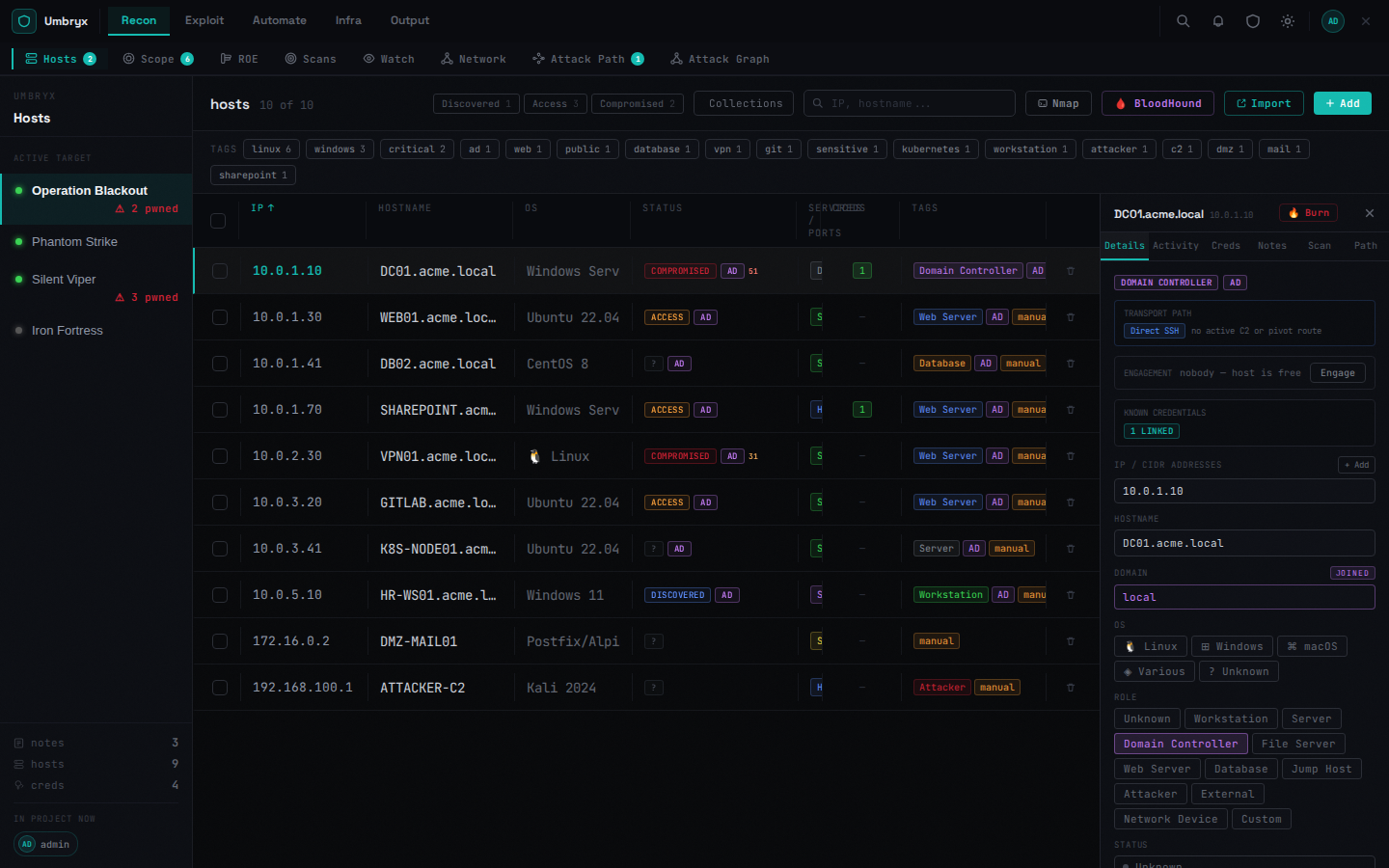
up / access / pwned), roles, ports, services, tags, linked credentials; tabbed detail panel (Details · Activity · Creds · Path) - Credentials — plaintext, NTLM, Kerberos tickets; domain/local; cracked state; host linkage
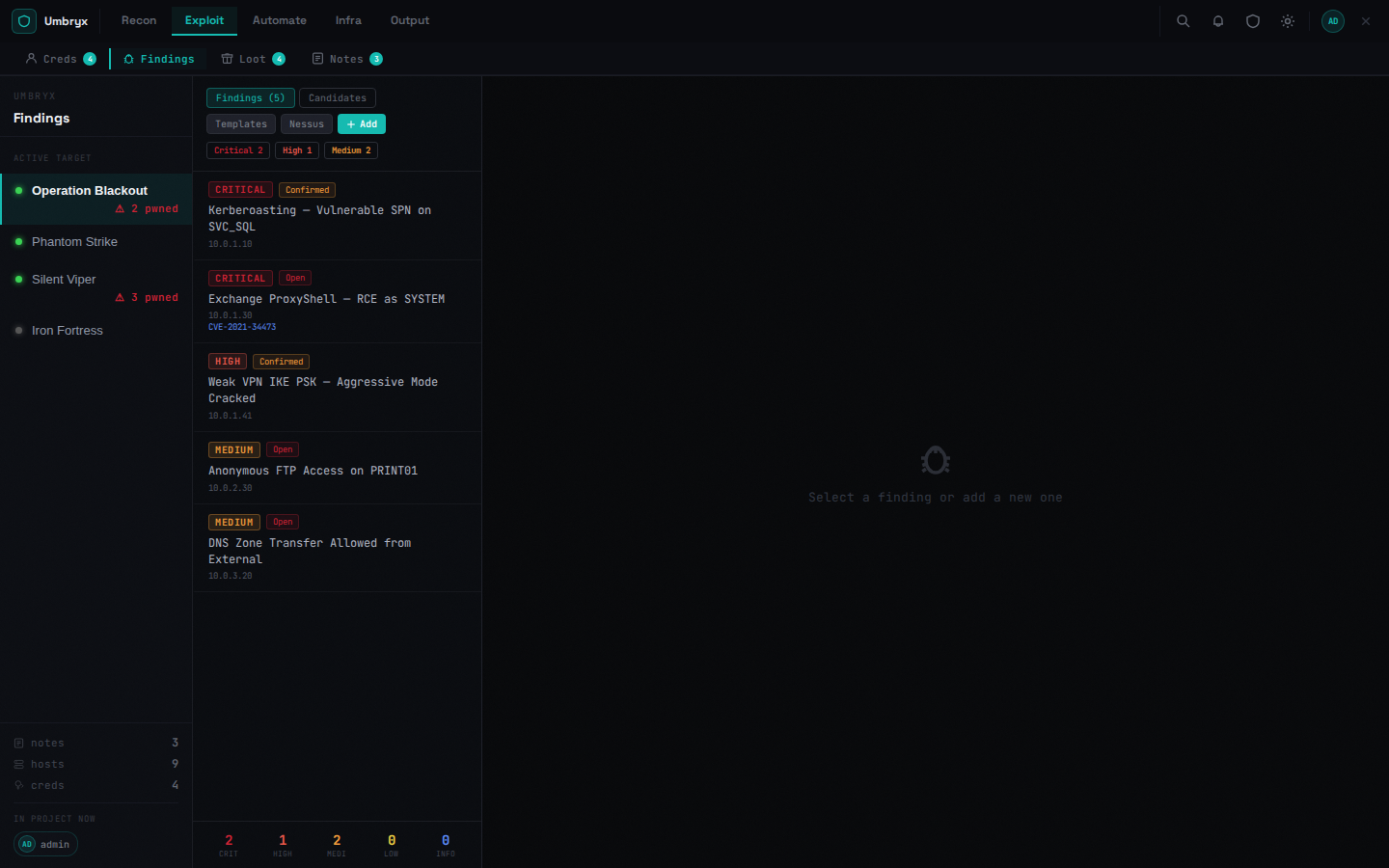
- Findings — severity, CVE/CVSS, proof, recommendations, MITRE IDs, workflow status
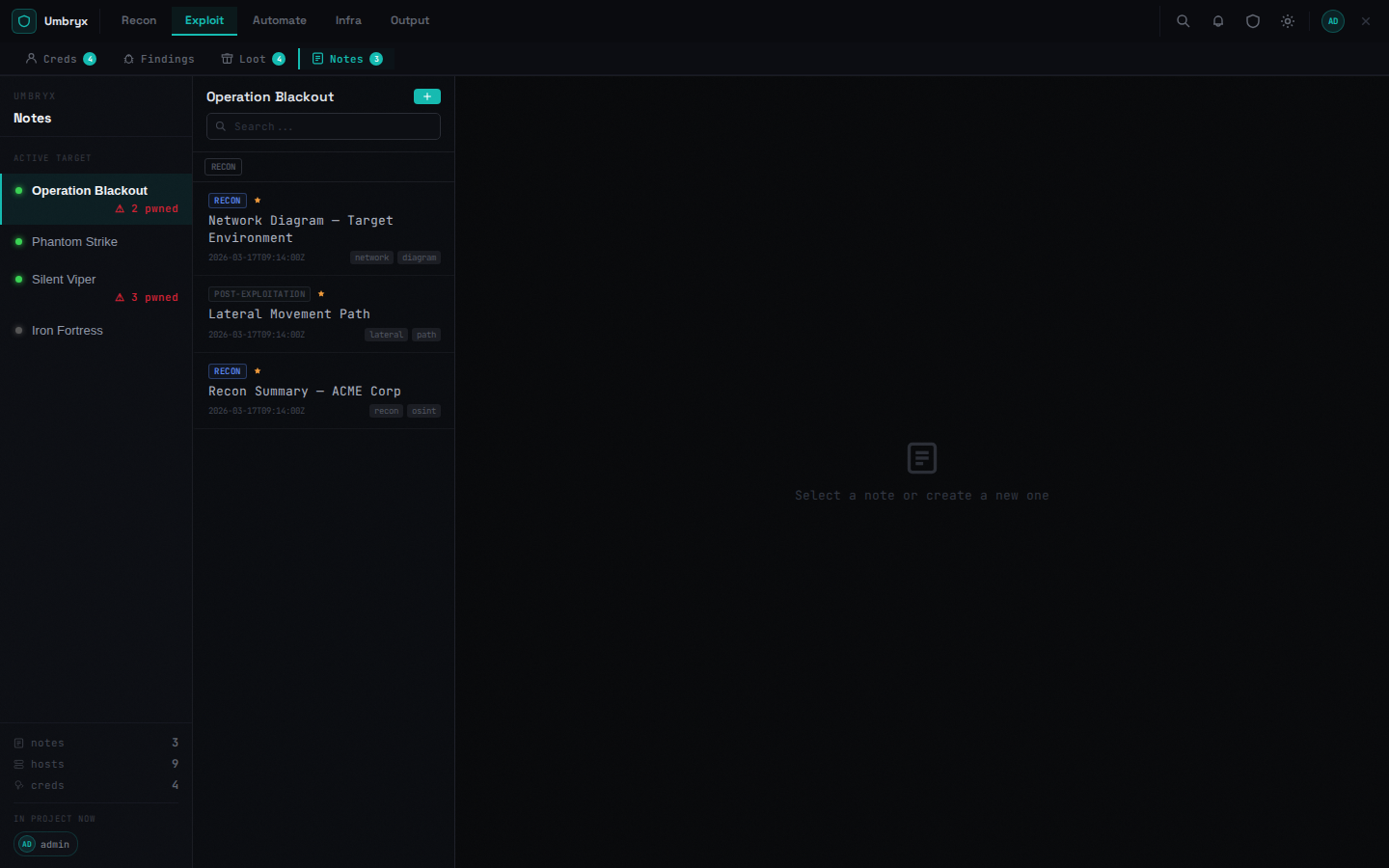
- Notes — Markdown with attachments, phases, tags, live collaboration
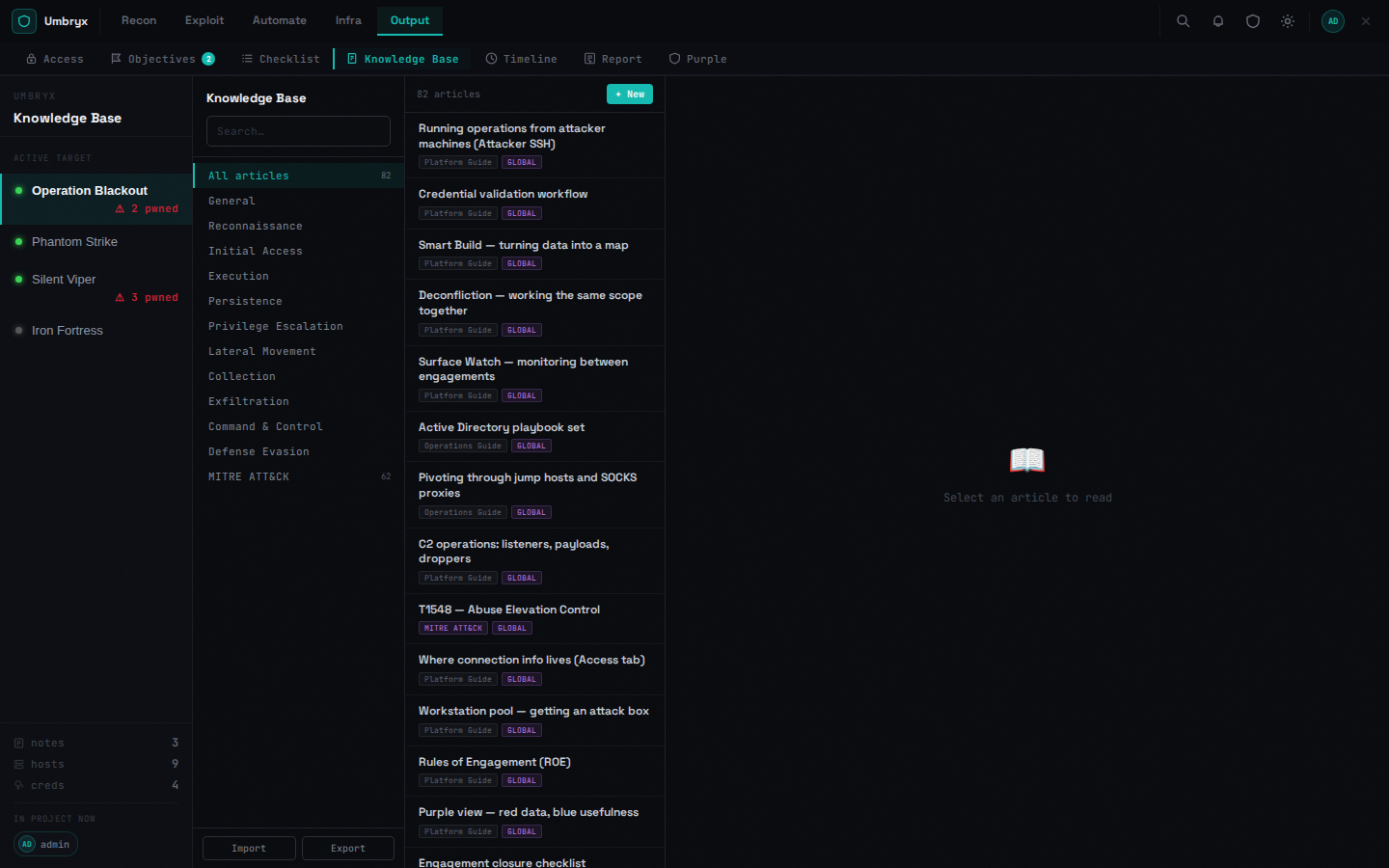
- Knowledge Base — Markdown articles (global or project-scoped) with full-text search
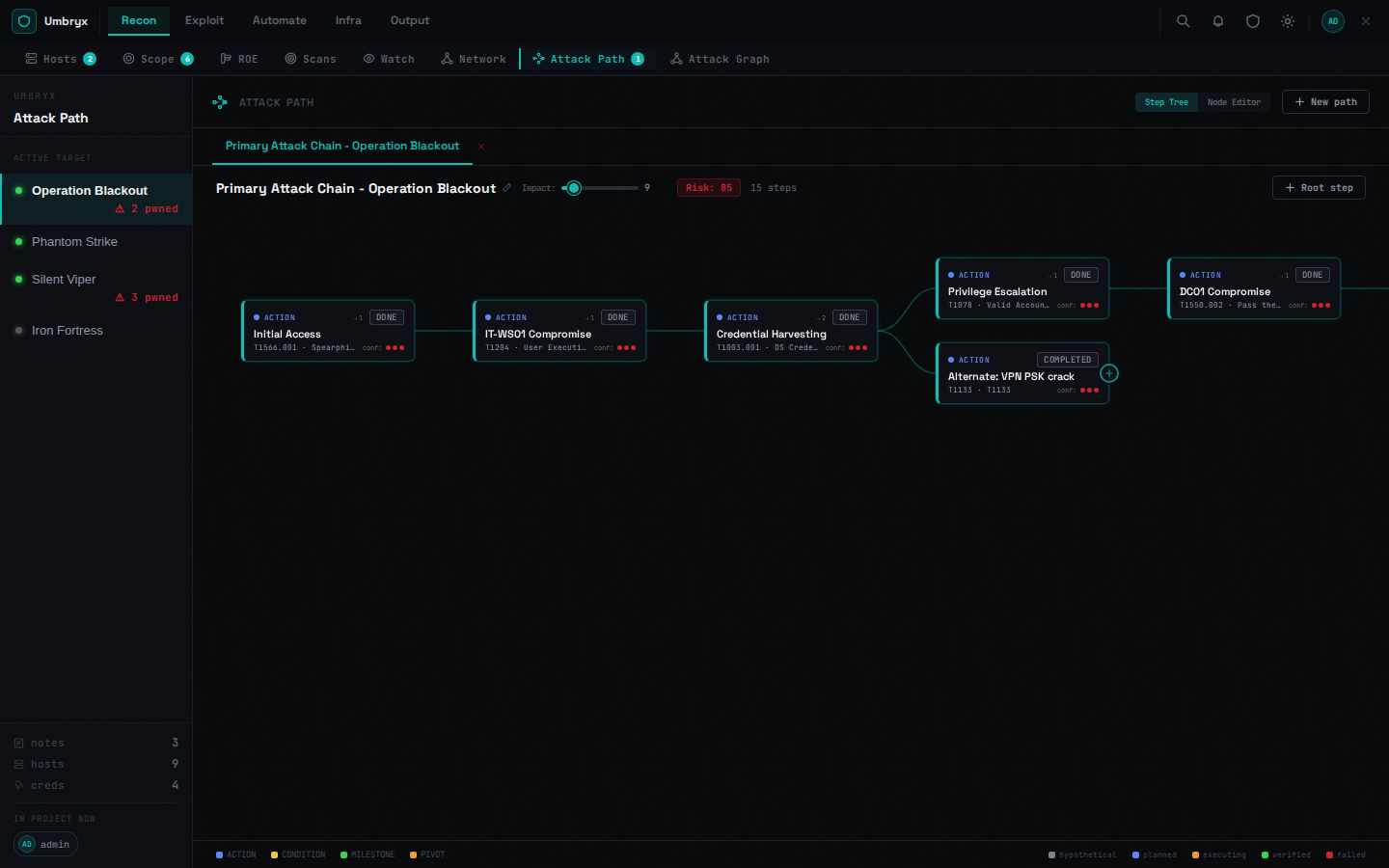
- Attack Path — ordered escalation steps with MITRE technique fields; link steps to real hosts
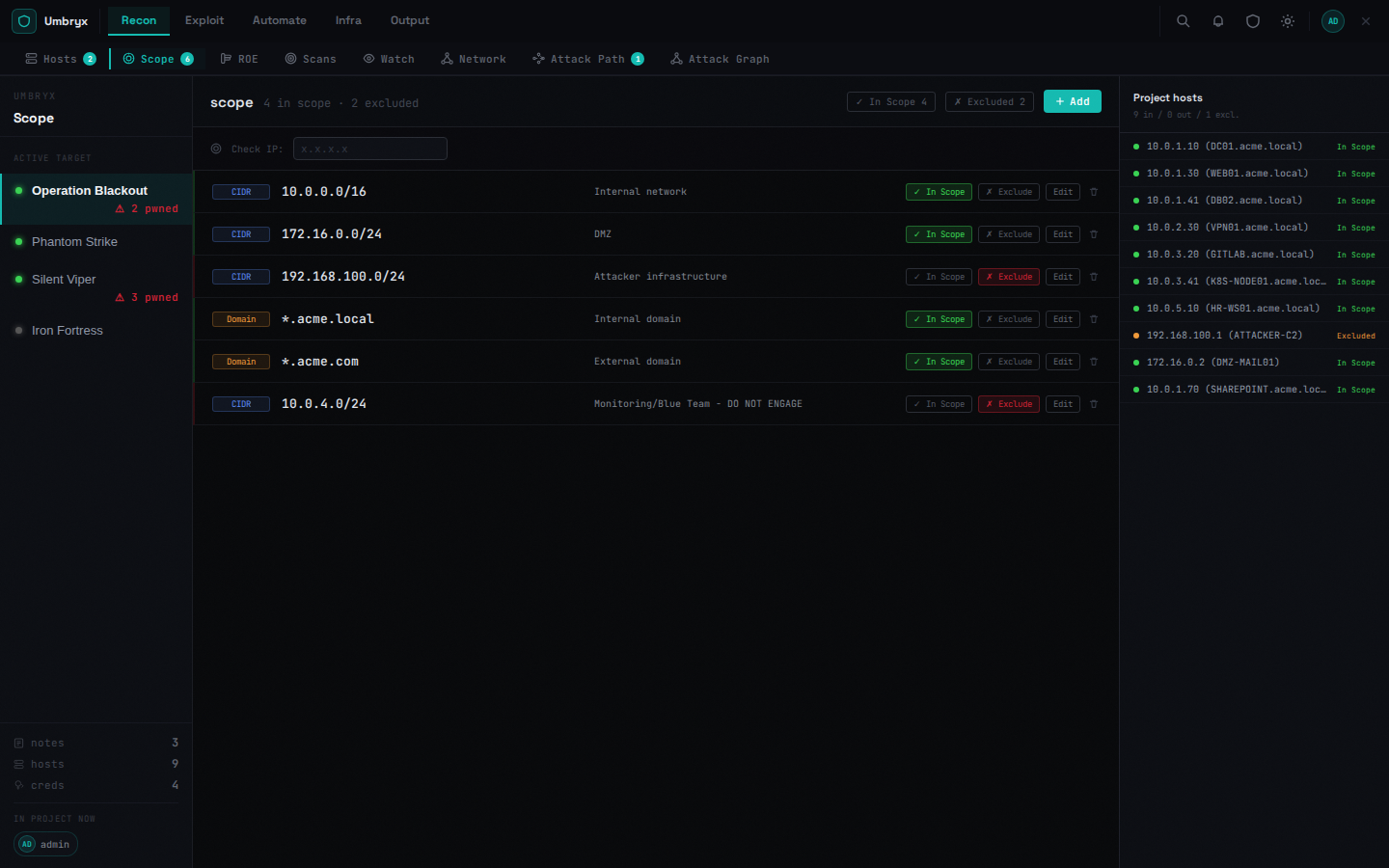
- Scope — CIDR/domain/hostname entries with gateway, entry-point flag, and "reachable via" pivot host
Visualization
Two graph views showing different angles on the same engagement state.
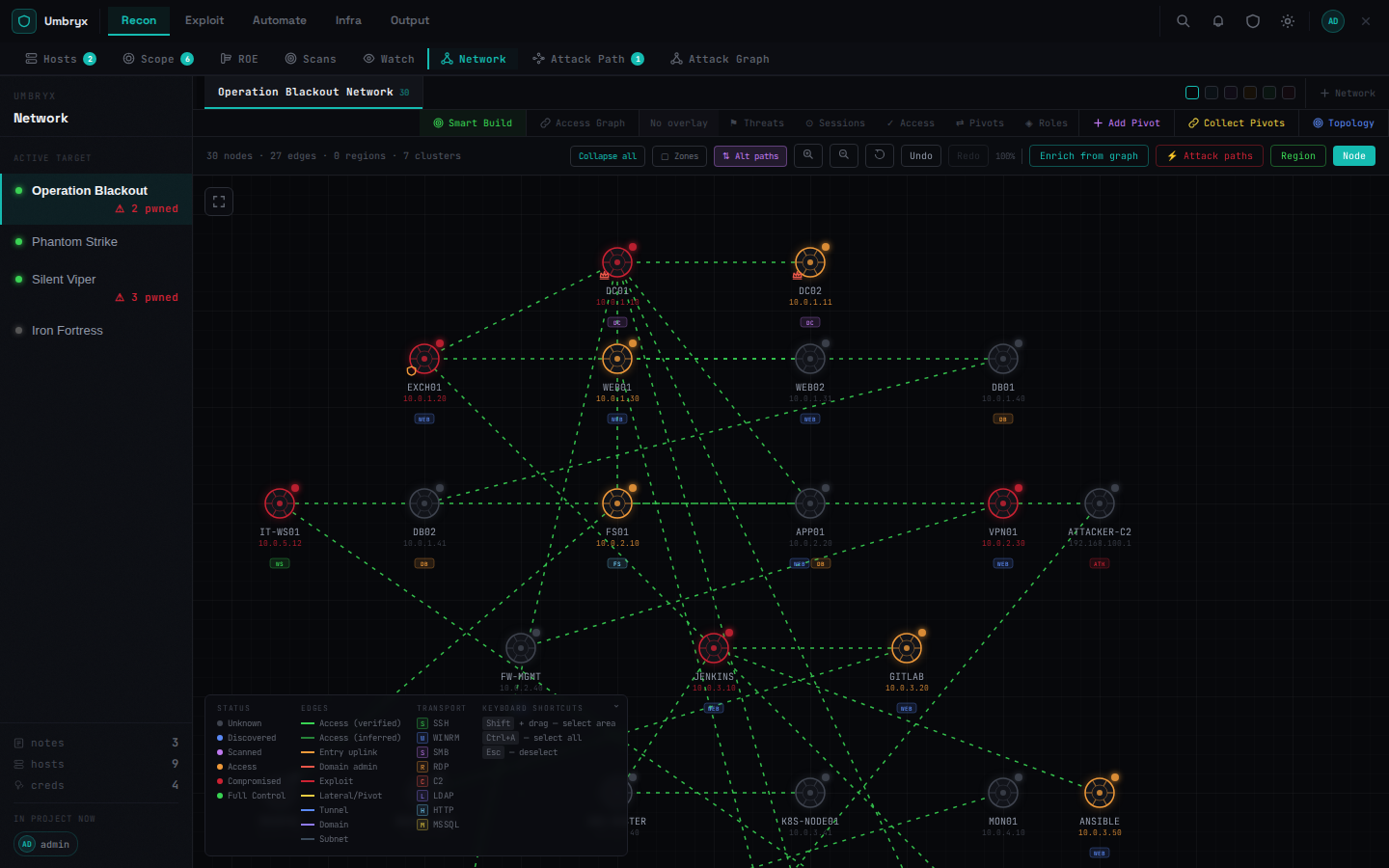
Network Map — topology canvas with VLAN regions, overlay modes (Threats · Sessions · Access · Roles · Pivots), drag-and-drop layout, host inspector with activity timeline. Entry uplink edges shown in orange. Subnets accessible only via a pivot host show ⇄ via [host] on the region.
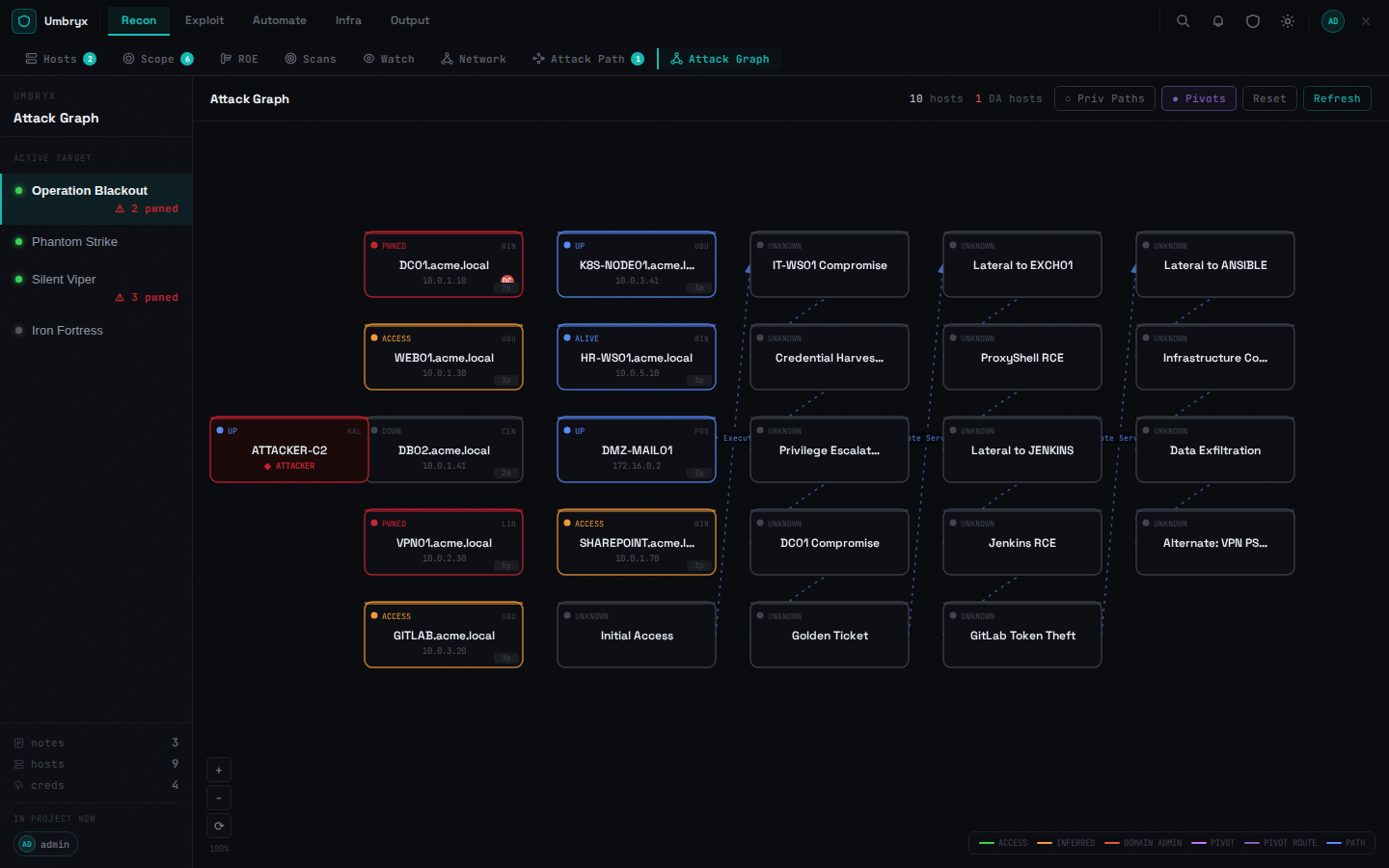
Attack Graph — interactive canvas showing hosts connected by credential paths, access edges, pivot routes, and privilege escalation chains. Node badges for DA/DC status and reachability distance. Side panel shows privilege path and pivot routes for selected host.
C2 frameworks
Umbryx integrates with three operator-side C2 frameworks. All three expose the same capability surface (sync ✓ live agents ✓ execute ✓ task history ✓) so the host actions panel and the c2:exec playbook step behave the same regardless of which framework holds the session.
| Framework | Transport | Auth | Notes |
|---|---|---|---|
| Adaptix | REST over HTTPS | username + password (or token) | Pulls hosts, agents, credentials and the BOF catalog; supports raw command line execution |
| Mythic | GraphQL (Hasura) | apitoken header or username/password → JWT | Pulls callbacks + credentials; createTask mutation for execution with optional !command args prefix to target a non-default Mythic command |
| Sliver | Native gRPC via sliver-py |
operator config JSON (paste the file produced by sliver-server operator --save) |
Sessions + beacons; interactive interact_session.execute for sessions, async beacon tasks for beacons |
Sessions appear in the host actions panel for hosts whose IP matches the agent's RemoteAddress; from there an operator can either fire a one-off command or queue a multi-step playbook against the agent.
Pivots
- Manual pivot creation from the Network Map toolbar (tool, type, route CIDR, status)
- Auto-collection from chisel / ligolo / Adaptix via SSH collector
- Pivot route edges: all hosts in route CIDR linked to pivot node on the Attack Graph
- Scope
via_host_id: mark a subnet as reachable only via a specific machine — Smart Build adds route edges and the region shows the pivot annotation
Platform Ops (infrastructure)
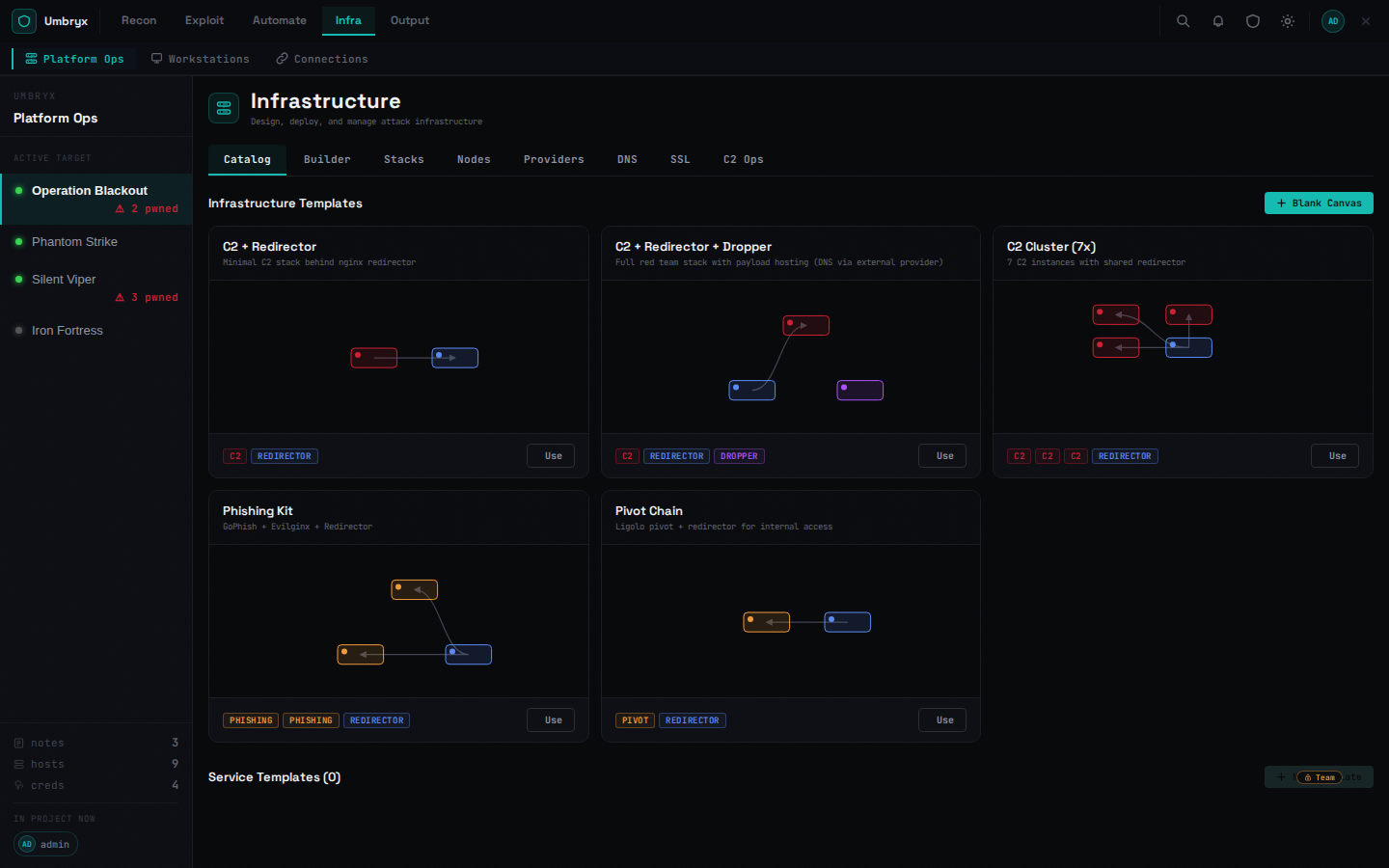
Design, deploy, and manage attack infrastructure from a catalog instead of hand-rolling docker-compose files per engagement.
- Templates — pre-built stacks (C2 + Redirector, C2 + Redirector + DNS, C2 Cluster, Phishing Kit, Pivot Chain) and a blank canvas builder
- Stacks — a deployed template becomes an
InfraStack: services provision, then an auto-integration pipeline runs firewall rules, service discovery, nginx/Cloudflare link wiring, credential generation, WireGuard VPN, and DNS records — each step tracked per-service with status - Nodes / Providers — register the compute a stack deploys onto (Hetzner, Proxmox, Docker hosts, Kubernetes, plain SSH)
- DevOps log — centralized, filterable log of every infra operation, independent of any single stack
Workstations
Attacker desktops as a managed resource instead of a shared jump box.
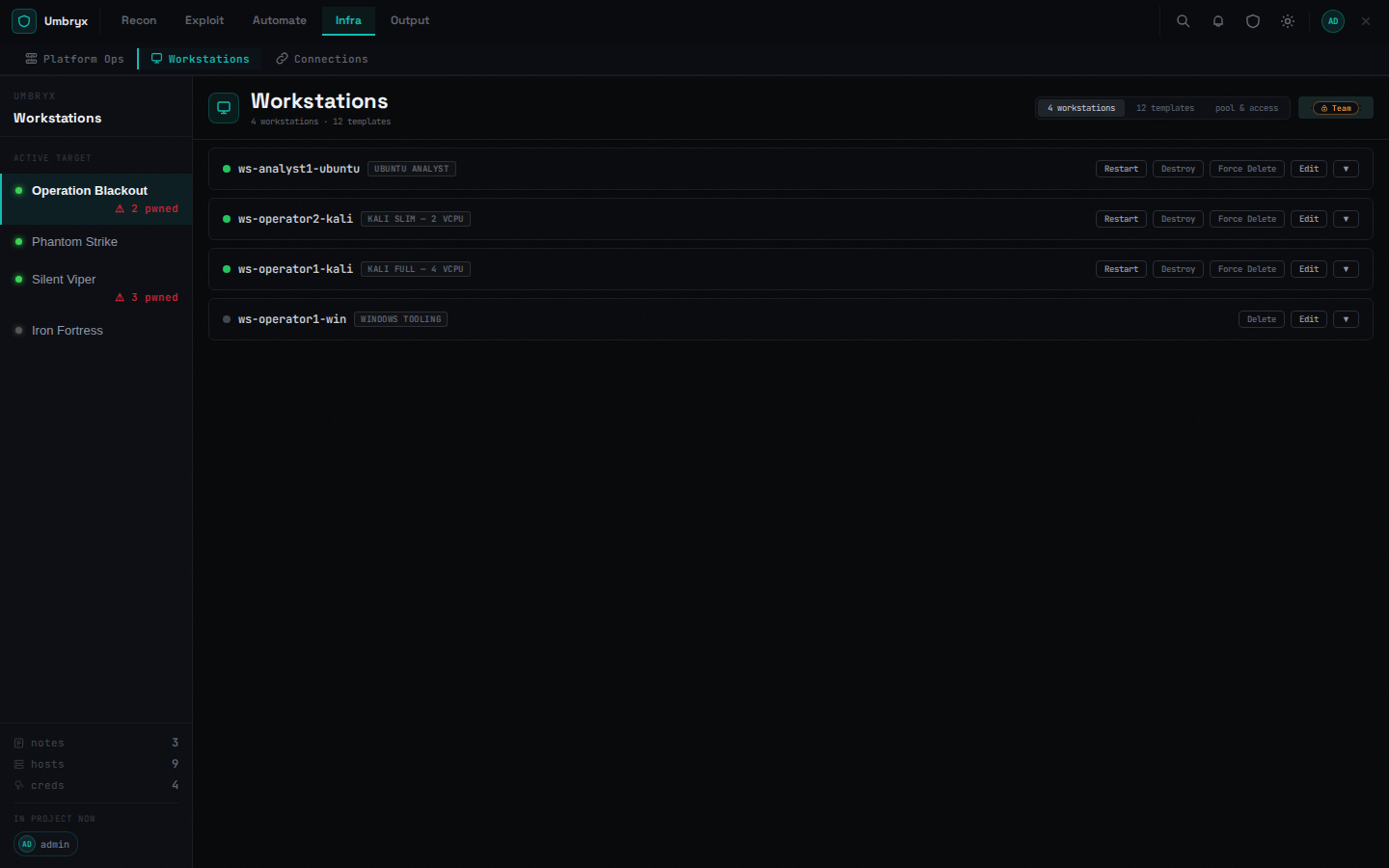
- Per-project workstations — spin up a Kali/Parrot/BlackArch/Ubuntu container (or a cloud VM) scoped to one engagement, from a template or a custom image
- Workstation pool — pre-provision a shared pool of machines through the same infrastructure providers, keep users' SSH public keys on their profile, and grant/revoke per-user access (appends/removes a tagged line in
authorized_keysover SSH) — every grant, revoke, and provisioning step is mirrored to the project timeline and the audit log - Supports hetzner, proxmox, Docker, Kubernetes, and manually-registered SSH hosts as the underlying substrate
Evidence pipeline
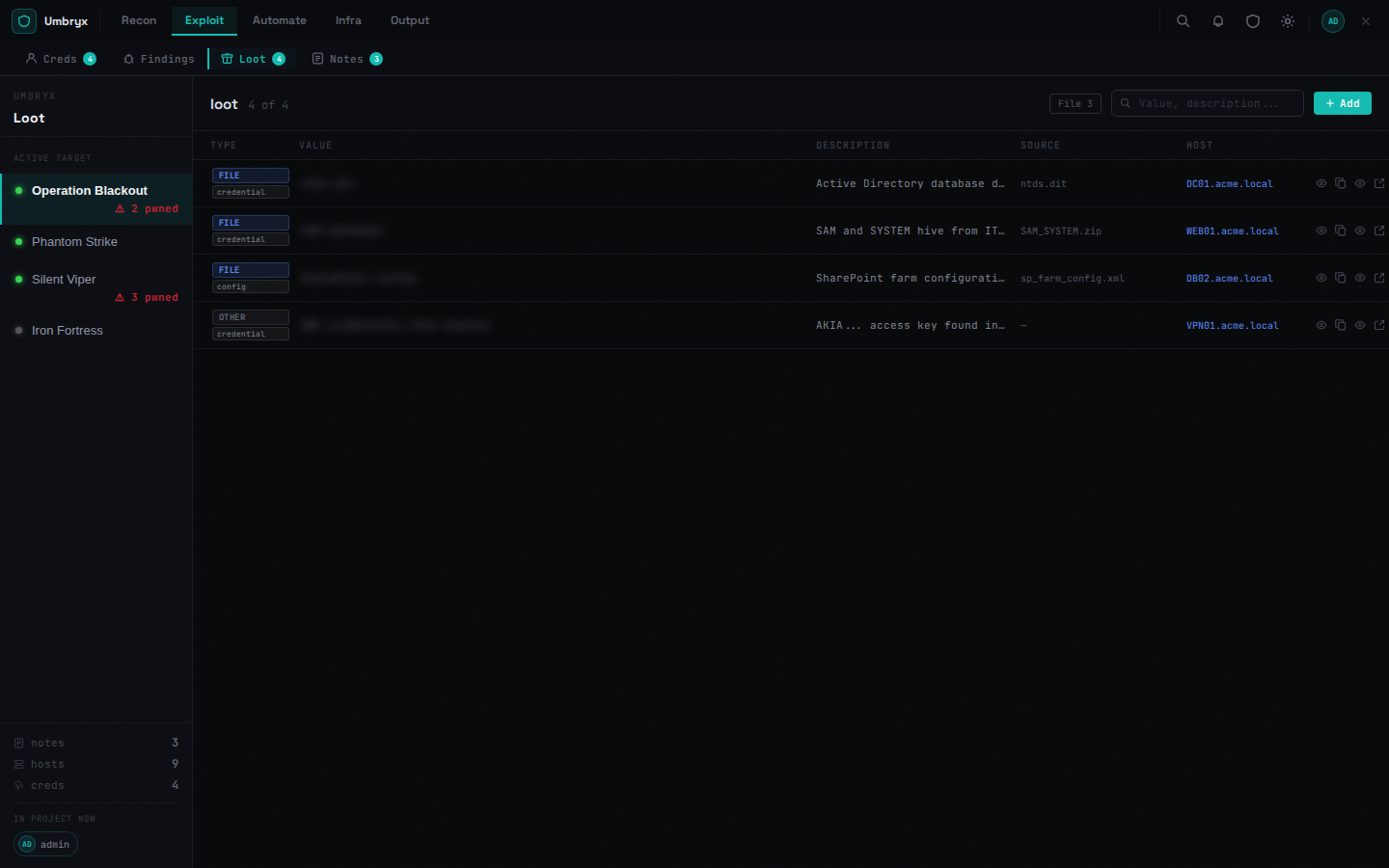
- Loot: files, hashes, secrets, configs — upload/download with auth, linked to host + job + credential
- Auto-extraction from job output: NTLM hashes, Kerberos tickets, secrets, file references
- sha256 on every upload; artifact type classification
Reporting
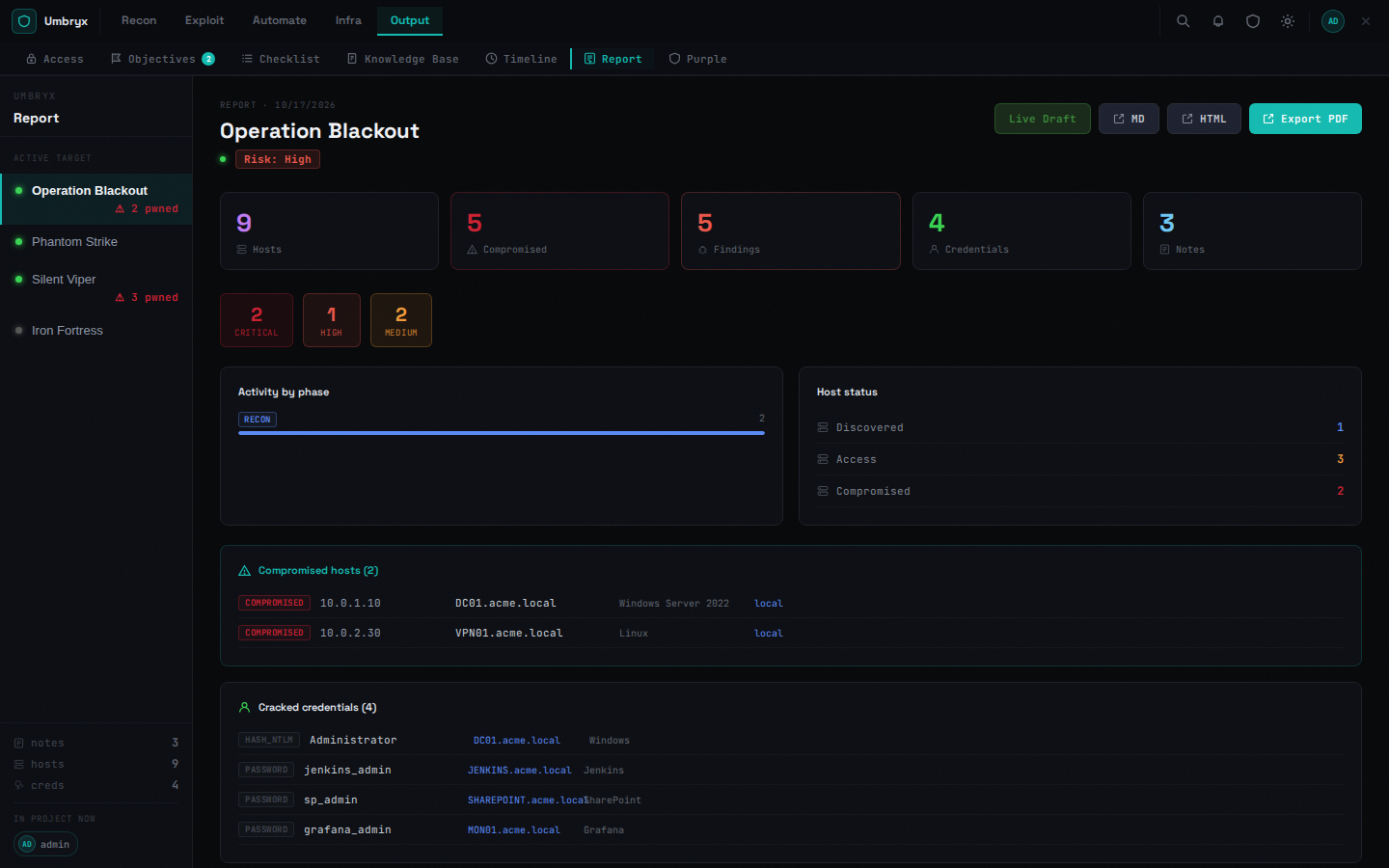
Executive summary built from real project data: compromised hosts, cracked credentials, critical findings, timeline of operator activity, attack path narrative.
Screenshots
Network Map — topology canvas with VLAN regions and overlay modes
Attack Graph — privilege paths, pivot routes, DA/DC node badges
Hosts — tabbed panel: Details · Activity · Creds · Path
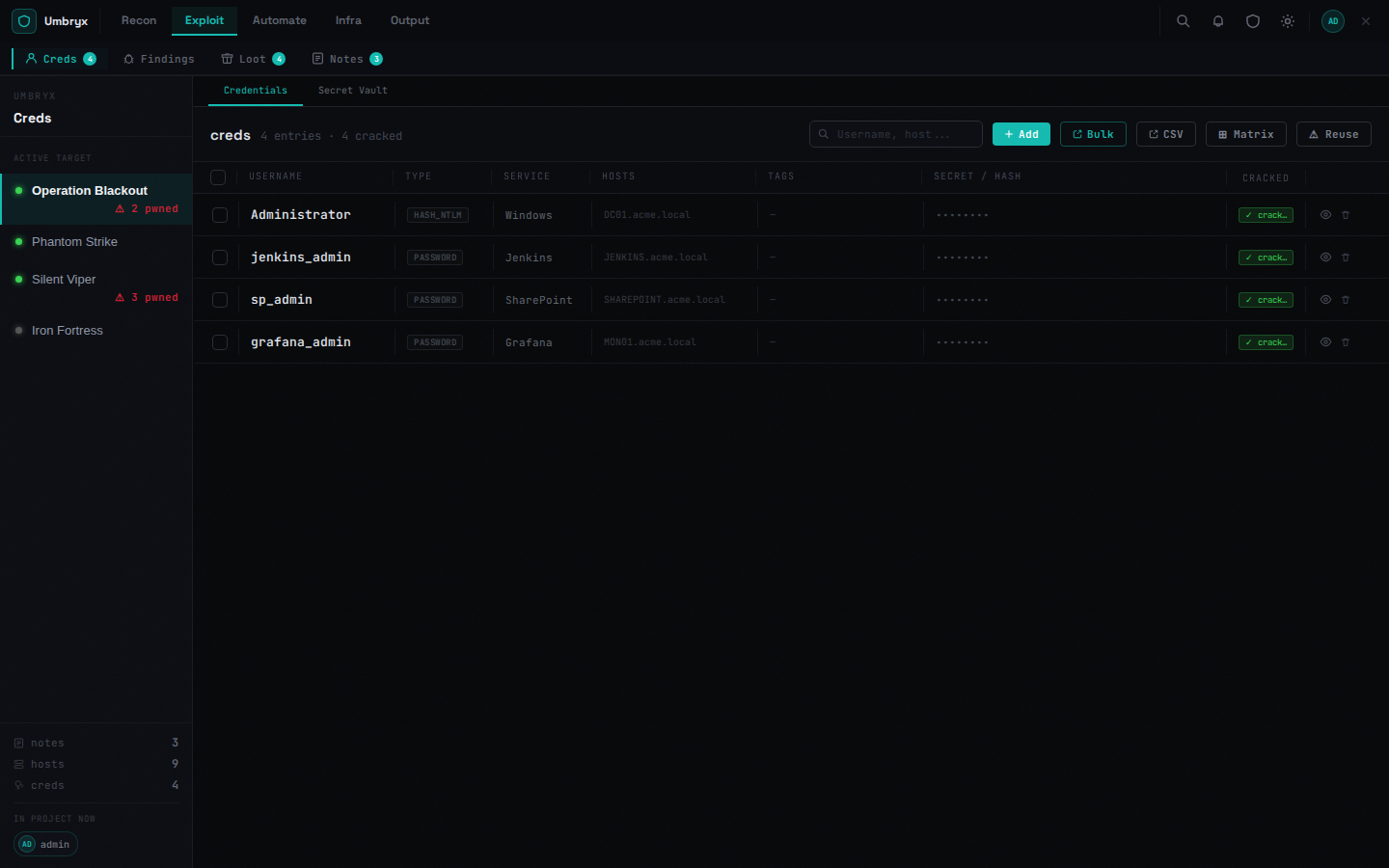
Credentials
Findings
Notes (Markdown)
Loot
Knowledge Base
Scope — with gateway, entry-point, and pivot host fields
Attack Path
Jobs
Report
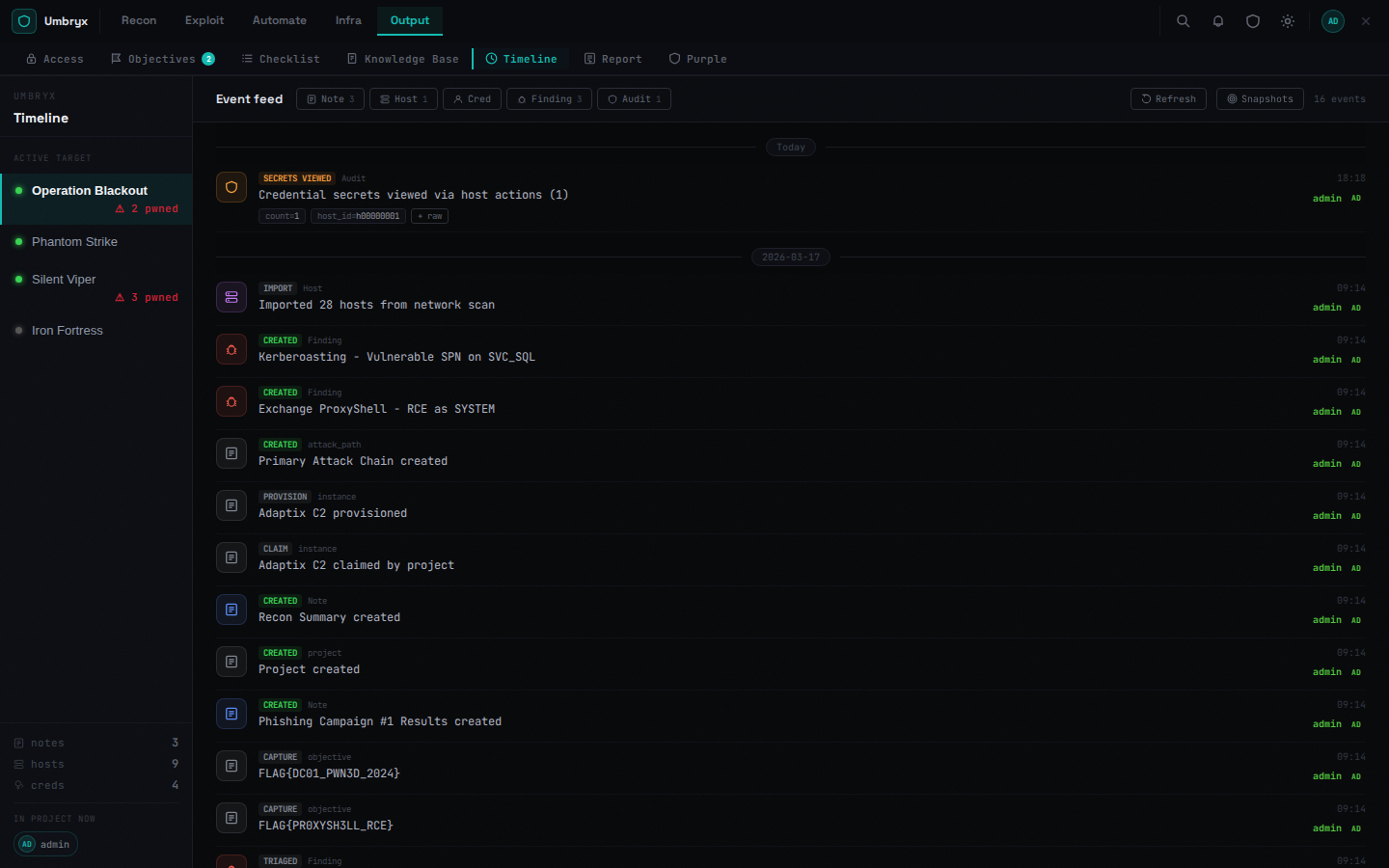
Timeline
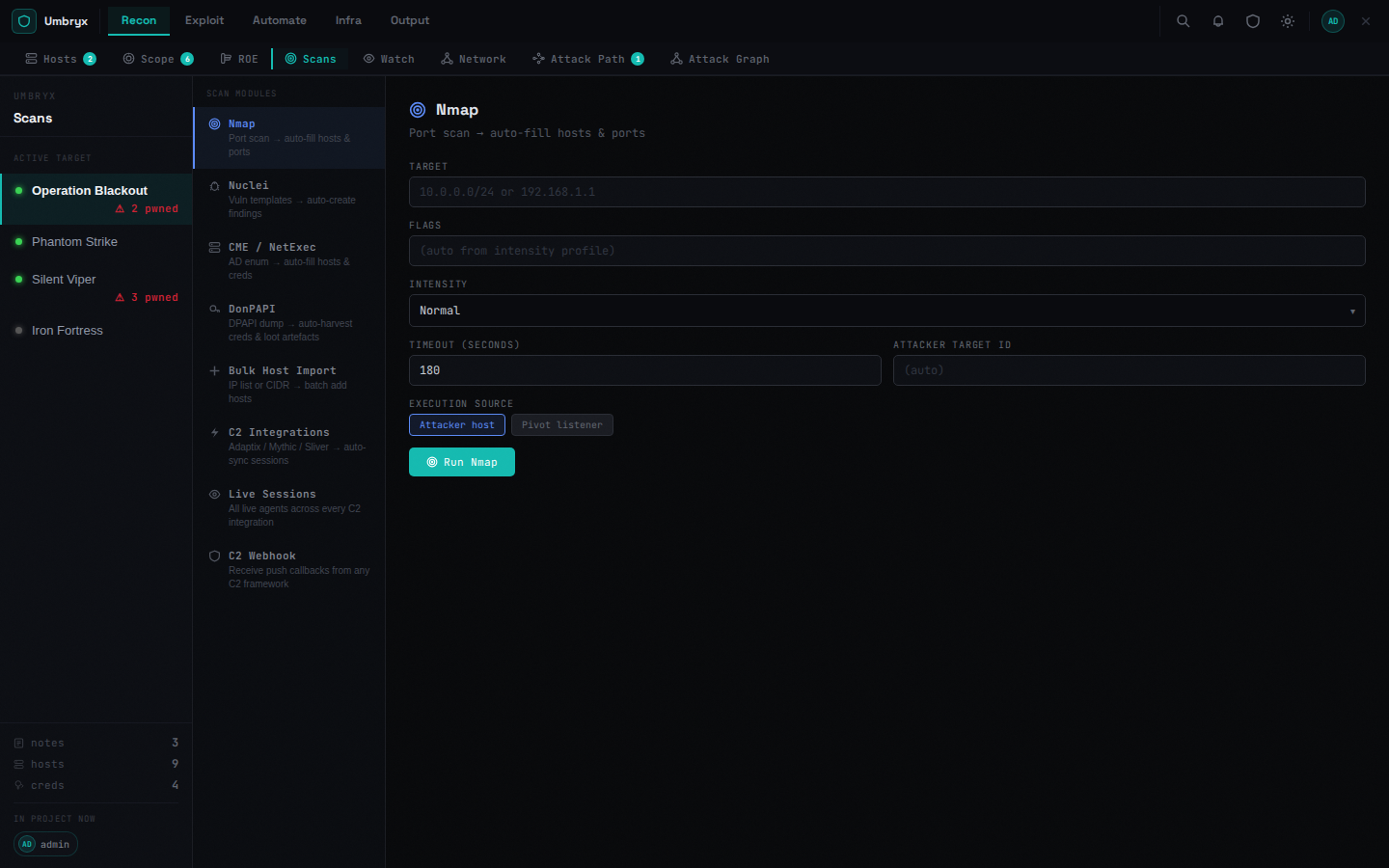
Scans
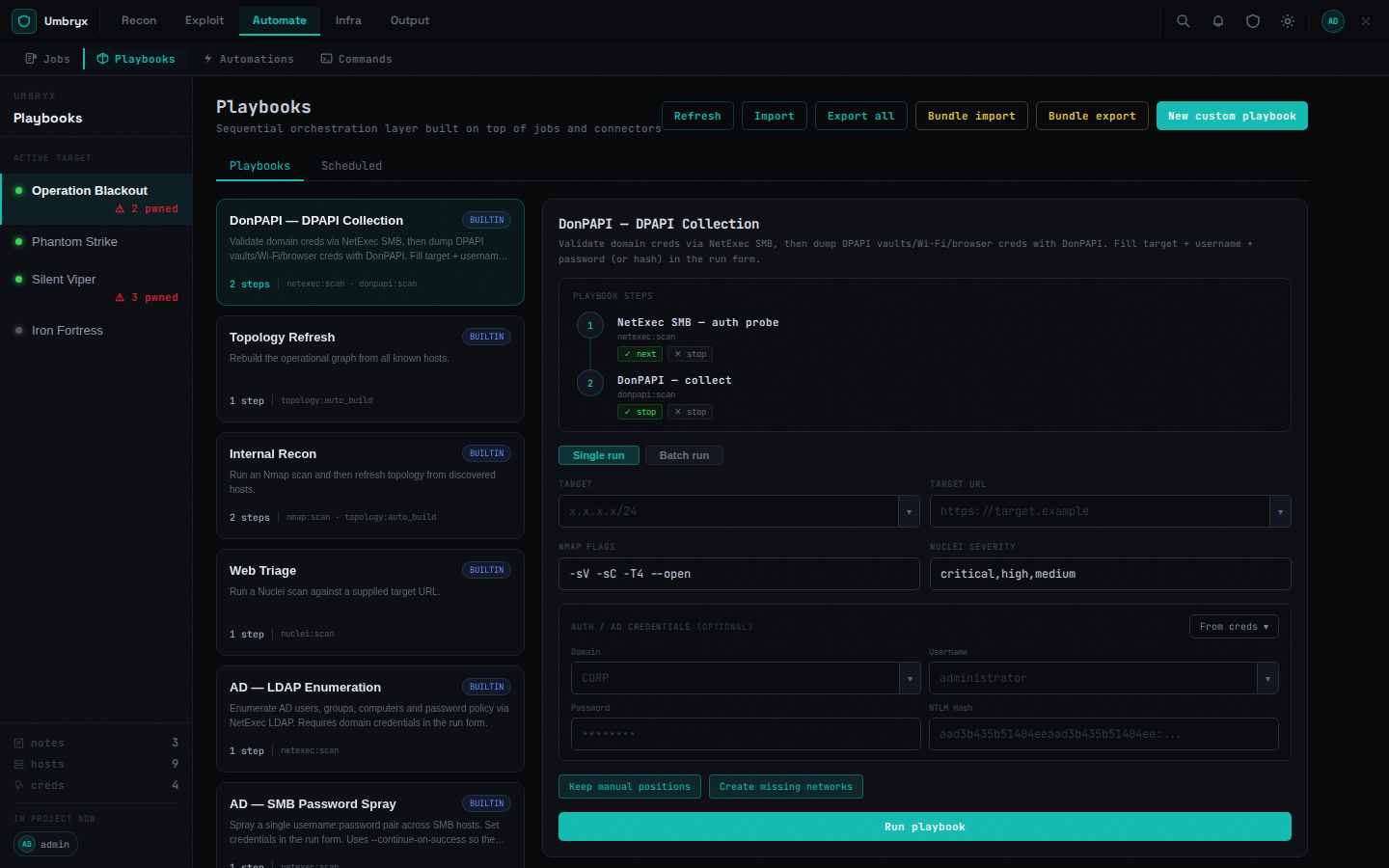
Playbooks
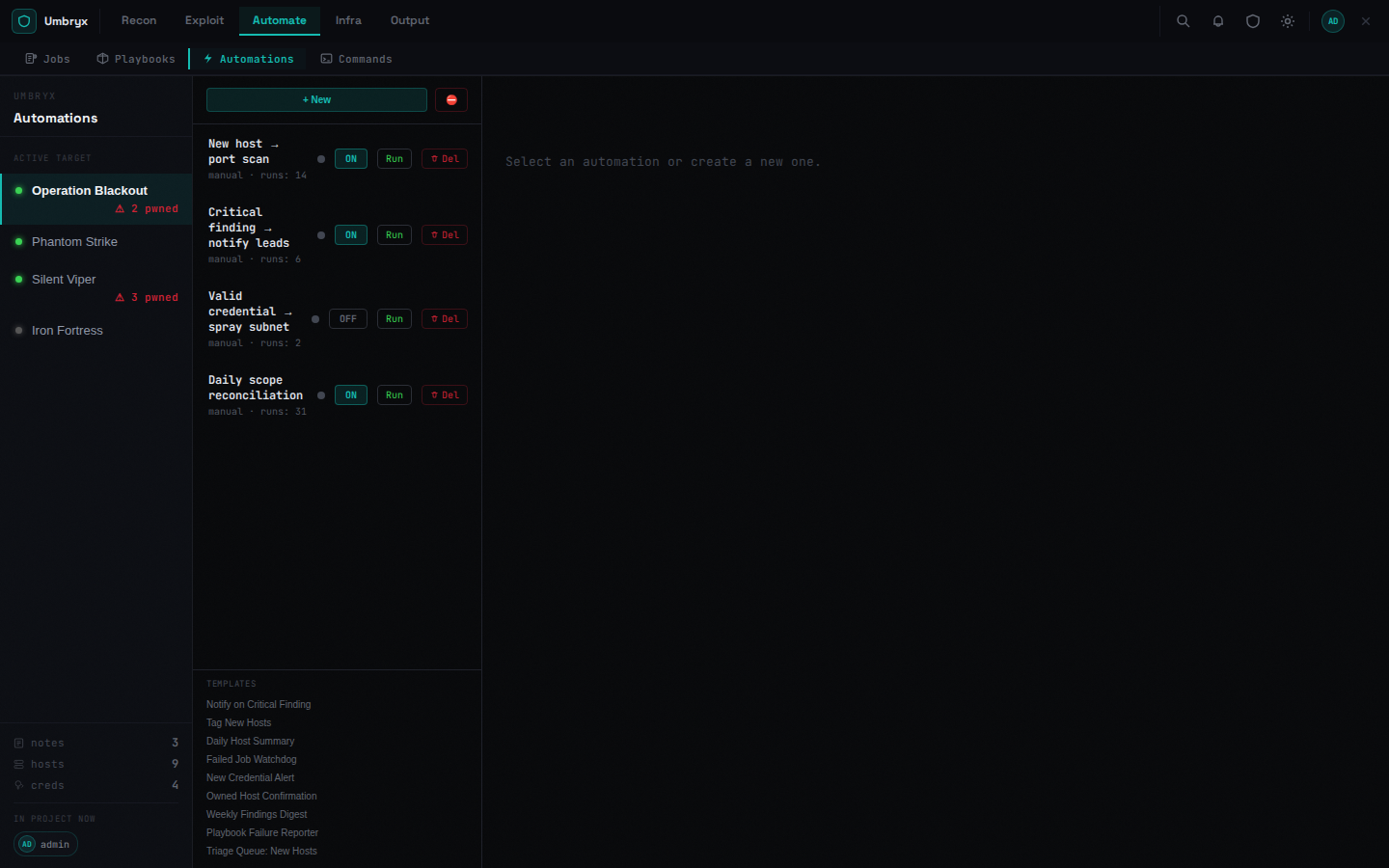
Automations
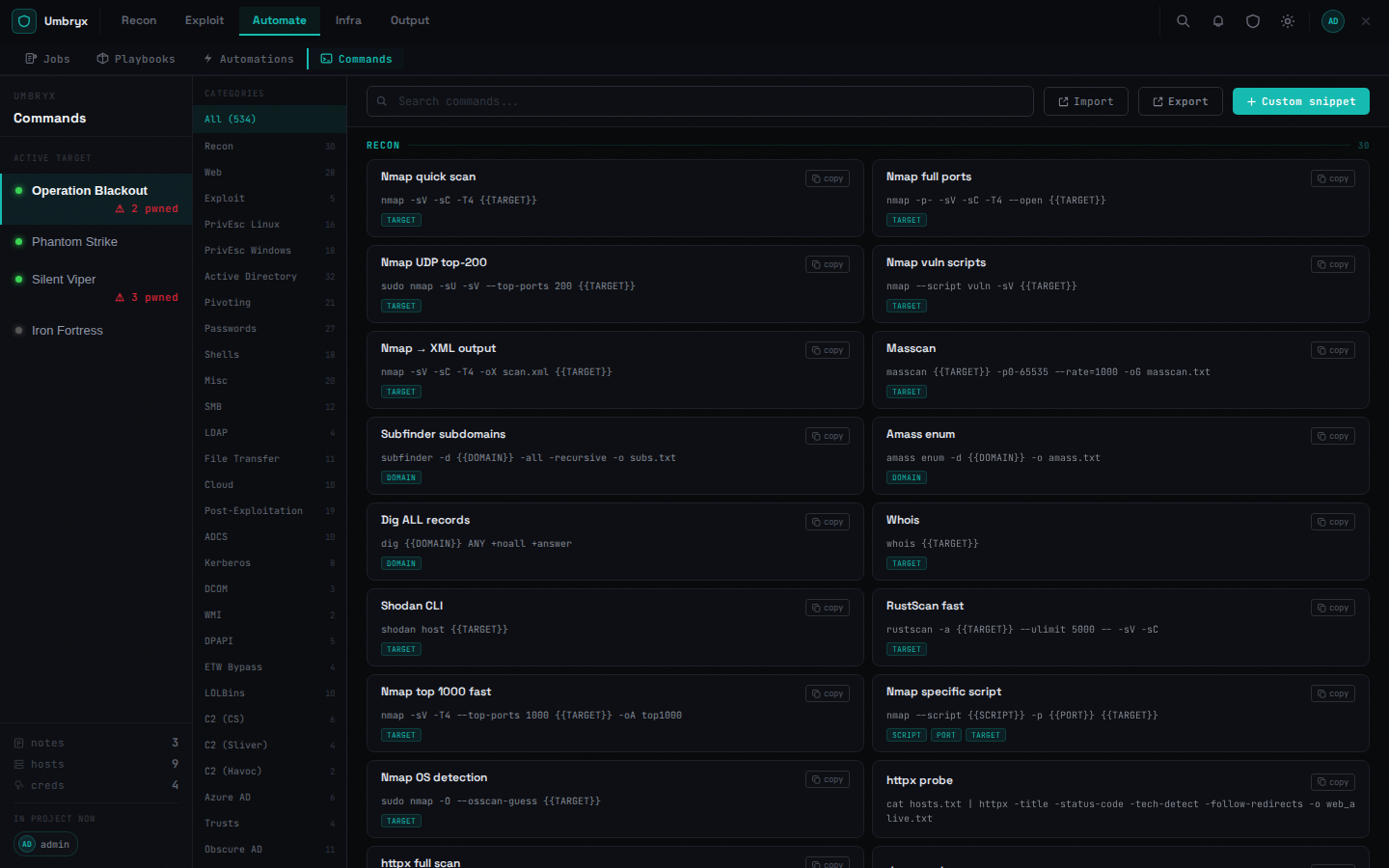
Commands (cheatsheet)
Platform Ops — infrastructure catalog and stacks
Workstations
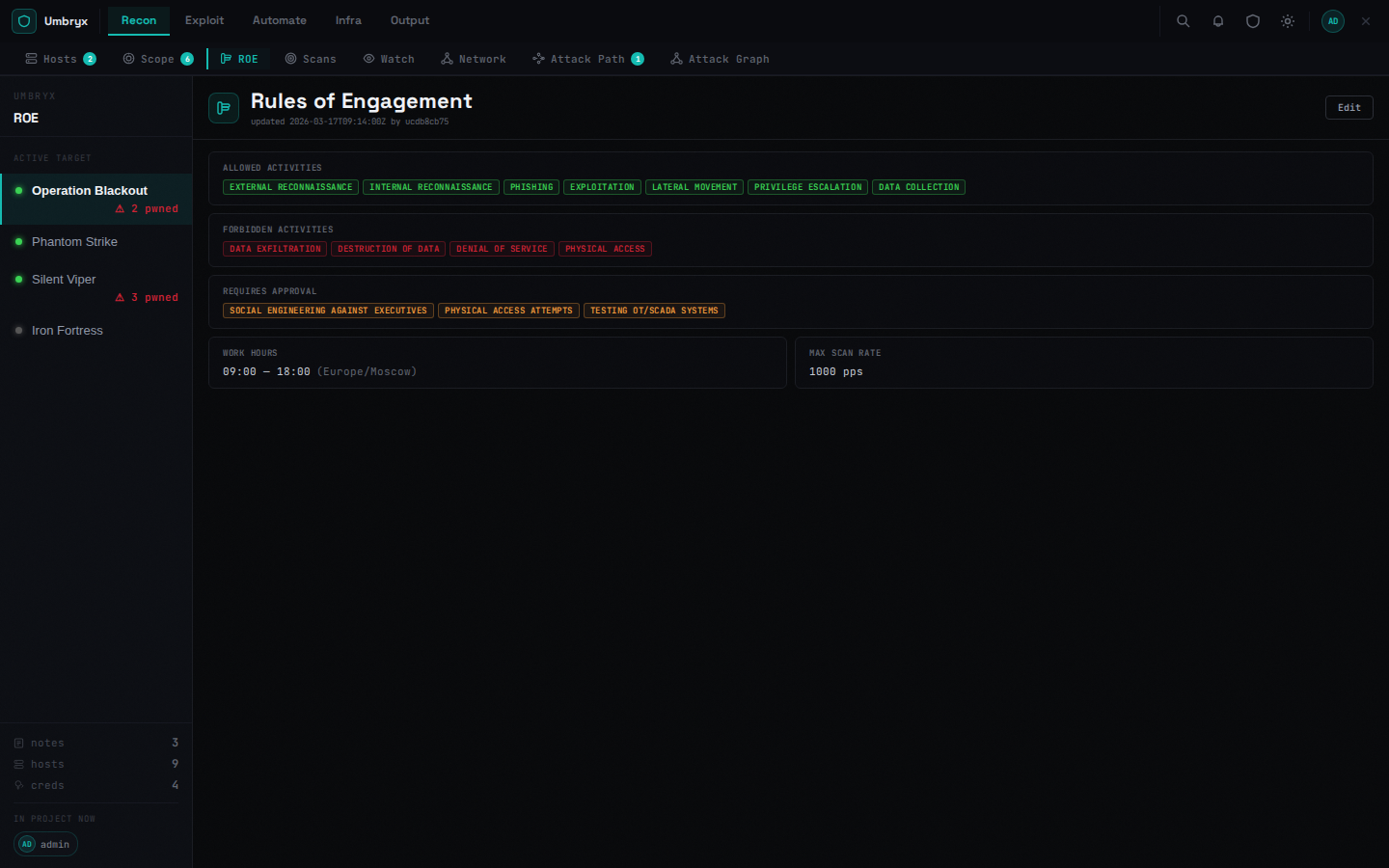
ROE (Rules of Engagement)
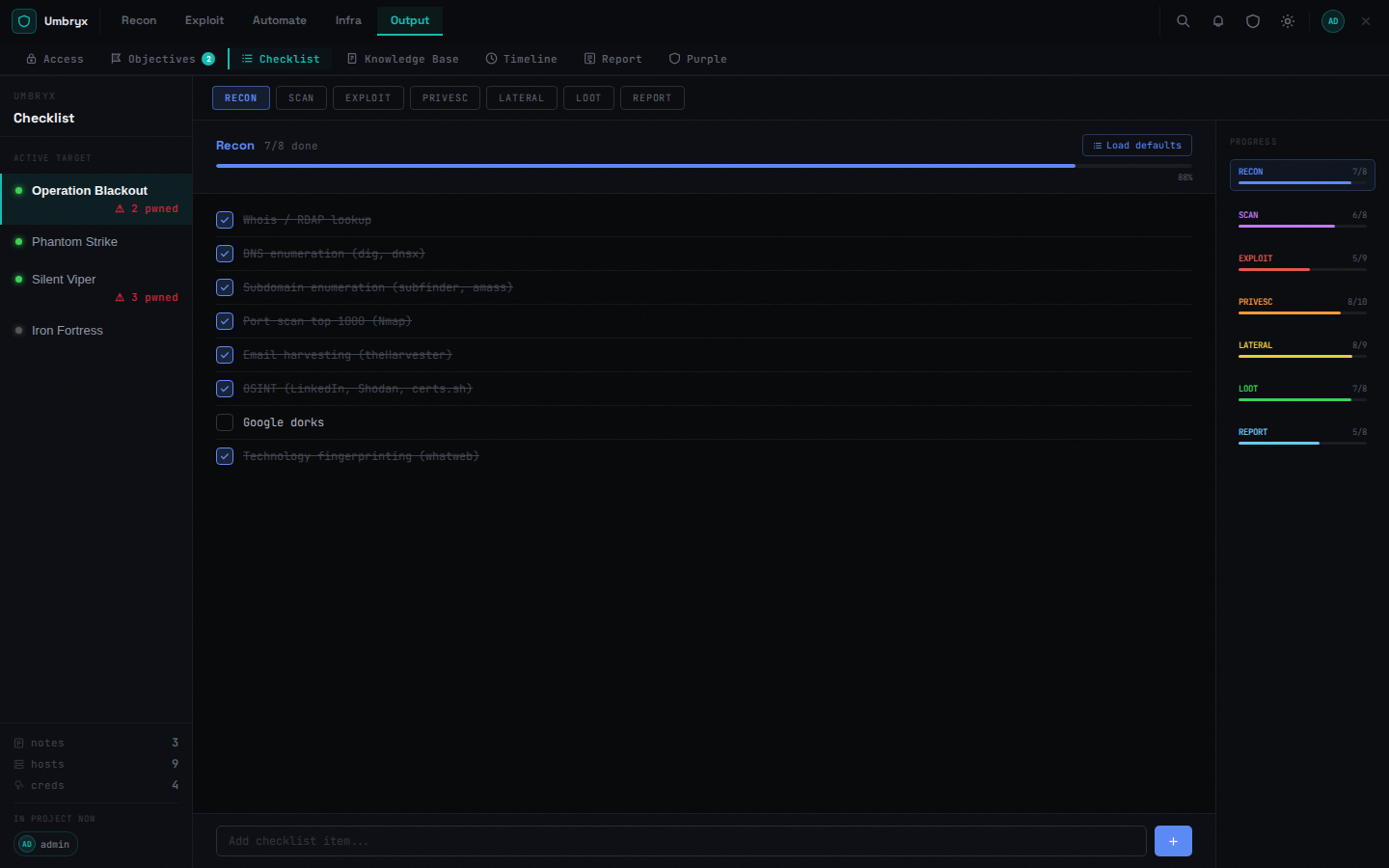
Checklist
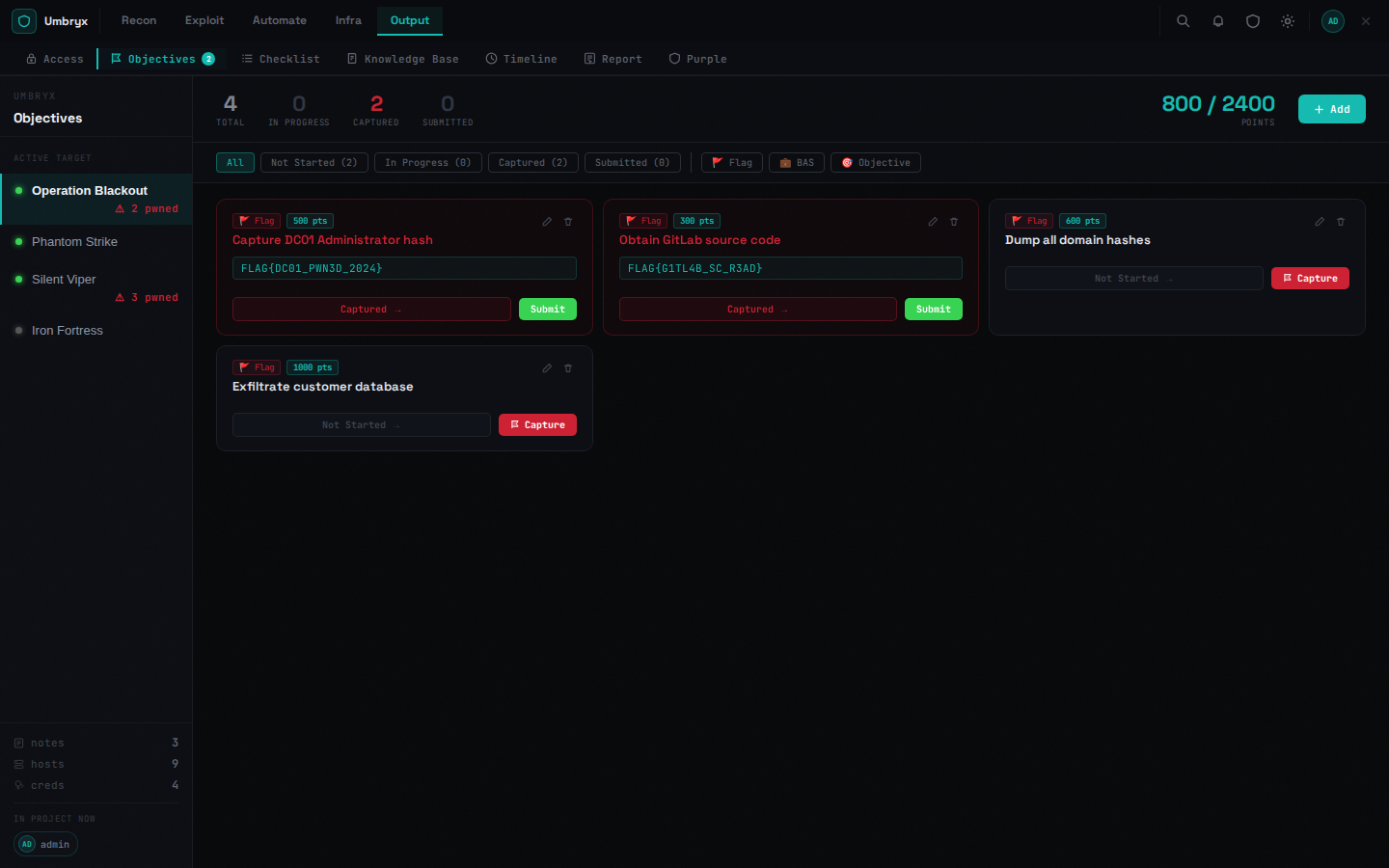
Objectives
The operational loop
Every layer feeds the next. Data is not entered twice.
Deployment
Important
Umbryx is designed for internal, trusted networks — VPN, air-gapped lab, jump host. There is no public-internet hardening (login is IP-rate-limited, but there is no WAF and no captcha). Do not expose it directly to the internet. If you need remote access, put it behind a VPN or a reverse proxy with mTLS.
Quick install (TUI)
An interactive text-UI wizard (whiptail, with a plain-text fallback if it isn't available) that generates secrets, writes .env/.env.ha, and brings the stack up for you — no manual editing. Covers both deployment modes:
- All-in-one — single host, everything in one
docker compose up. - Multi-node HA — walks through the exact sequence in HA deployment (pg_auto_failover monitor, DB role creation, HAProxy/keepalived VIP, Redis Sentinel) on the seed node, joining a second node, and pointing the app layer at the cluster VIP. pg_auto_failover registration is a one-shot handshake — read the confirmation prompts before proceeding on a live cluster.
Run ./install.sh --dry-run first to see exactly what it would do without changing anything. The manual steps below are still here for anyone who wants to understand or customize what the installer does.
Prerequisites
- Docker ≥ 24.0 with the
composeplugin (docker compose versionshould work) - Linux host with at least 2 GB RAM and 5 GB free disk for the database + loot artifacts
- OpenSSL for generating secrets (
openssl version) - Optional: a separate attacker box reachable over SSH if you want to run scans (nmap, nuclei, netexec, donpapi) — the platform doesn't ship these tools itself
1. Get the project
The Community Edition (Core) repository is public on GitHub:
Enterprise Edition images are distributed separately with a license — see EE installation.
2. Generate secrets
Two values must be set before any non-throwaway deployment:
# JWT signing key — sessions are issued and verified with this
openssl rand -hex 32

# Encryption key — Fernet key used to encrypt credentials, sensitive notes, loot text
python3 -c "from cryptography.fernet import Fernet; print(Fernet.generate_key().decode())"
Save both — you'll paste them into .env in the next step. Losing ENCRYPTION_KEY after first start makes existing encrypted data permanently unreadable. Back it up before going to production.
3. Configure .env
Open .env in an editor and fill in every value that says change_me:
# Database
DB_USER=umbryx
DB_PASSWORD=<a-strong-password>
DB_NAME=umbryx

# Secrets — paste the generated values from step 2
JWT_SECRET=<openssl rand -hex 32 #1>
ENCRYPTION_KEY=<python3 Fernet.generate_key() #2>

# Initial admin account — auto-created on first start if no users exist
ADMIN_USERNAME=admin
ADMIN_PASSWORD=<a-strong-password>

# Host port — change if 3000 conflicts with something else
PORT=3000

# Cookie security — set true ONLY when serving over HTTPS
COOKIE_SECURE=false
The .env file is loaded by docker compose automatically. Never commit it — .gitignore already excludes it.
4. (Optional) Tune the worker pool
Queued jobs (nmap, nuclei, donpapi) are SSH-bound — most of the time they wait on network I/O, not CPU. The defaults are conservative:
WORKER_POOL_MAX_WORKERS=8        # total parallel jobs across all projects
WORKER_POOL_MAX_PER_PROJECT=3    # max concurrent jobs for one project
Bump these if your attacker box can handle more concurrent scans without rate-limiting the targets.
5. Build and start
First boot takes 1-3 minutes (Postgres init, frontend build, alembic migrations). Subsequent restarts are seconds.
6. Verify
# Core services should be Up; db/redis/backend/frontend should report healthy
docker compose ps

# Published health probe through nginx (should return 200)
curl -i http://localhost:${PORT:-3000}/health

# Tail logs in case something failed
docker compose logs backend --tail=30
docker compose logs frontend --tail=10
Open http://localhost:${PORT} and log in with the admin credentials from .env.
7. First-time setup inside the app
- Create a project — left sidebar → New project
- Configure the attacker target (Infra → Connections) — paste the SSH host, port, and credential the platform will use to run scans. This is the only way scans actually run.
- Invite team members (Admin → Users) — create normal
useraccounts, then add them to projects with project-scoped roles — 11 roles fromownerdown toauditor - Optional: add C2 integrations (Admin → Modules) — Adaptix, Mythic, Sliver
Upgrading
Alembic migrations run automatically on backend start. Always back up the PostgreSQL data volume and data/uploads/ before upgrading across a major version.
Important
When you rebuild the image, the auto-generated JWT secret survives: it is persisted to /data/.jwt_secret (see Security overview). It is only regenerated if the data directory is lost or was not writable — which logs everyone out and breaks API tokens. Set JWT_SECRET explicitly in .env to make sessions independent of the data directory.
Upgrade notes
Versioning policy
Umbryx uses semver-inspired versioning (MAJOR.MINOR.PATCH) with one
explicit relaxation: patch releases may include Alembic migrations as long
as those migrations are additive (new columns, new indexes, new tables). This
matches the real-world cadence of an internal red-team tool where column
additions accompany feature patches.
The exception that must be called out: any migration that deletes rows, drops columns, or irreversibly transforms data is considered a data-breaking patch. These releases are marked ⚠ DATA in Back up before upgrading to a release marked ⚠ DATA.
What each marker means
| Marker | Migration type | Safe to skip backup? |
|---|---|---|
| (none) | Additive only (new columns/indexes, defaults) | Risky but usually recoverable |
| ⚠ DATA | Deletes or transforms existing rows | No — back up first |
Data-breaking releases to date
| Version | What changes | Migration |
|---|---|---|
| v0.4.8 ⚠ DATA | Auto-deduplicates creds rows with identical (pid, username, domain, host) — duplicates permanently deleted |
006_data_stability_unique |
Rollback
There is no automated rollback. If a migration fails or produces unexpected results, restore from your backup:
# Stop everything
docker compose down

# Restore DB and uploads from backup
tar -xzf umbryx-backup-YYYYMMDD.tar.gz

# Restart (runs migrations from current state)
docker compose up -d --build
For individual migration rollback (advanced):
# Identify the target revision
docker compose exec backend alembic history

# Downgrade one step
docker compose exec backend alembic downgrade -1
Note: downgrade() in each migration restores schema (drops added columns)
but does not restore deleted rows. For ⚠ DATA releases, downgrade
requires restoring from a DB backup.
Troubleshooting
| Symptom | Cause | Fix |
|---|---|---|
502 Bad Gateway from nginx after rebuilding backend |
nginx cached the old backend container IP | docker compose restart nginx |
auth: 401 on every request |
JWT_SECRET changed between restarts |
Set JWT_SECRET explicitly in .env, redeploy |
Cannot read encrypted value errors |
ENCRYPTION_KEY changed after data was written |
Restore from backup; encrypted columns can't be recovered without the original key |
| Frontend loads but no data | WebSocket blocked by intermediate proxy | Add proxy_http_version 1.1 + Upgrade/Connection headers on your reverse proxy |
| Scans queued forever | No attacker_ssh target configured |
Infra → Connections → add an SSH executor target |
alembic migration error on startup |
DB schema is ahead of the code (downgrade) | Restore DB backup or run alembic stamp <revision> manually |
Backend exits with Permission denied writing under /data |
The entrypoint's automatic ownership fix can't help if ./data's mode (not just owner) blocks writes — e.g. it's on a noexec/read-only mount, or was created chmod 000 |
Check the host mount itself: stat ./data; it must be a normal writable directory. Ownership mismatches are handled automatically — this is a mount-level problem, not a UID one |
Environment variables
Full reference. All have sensible defaults; only the secrets and admin password must be set before production use.
| Variable | Default | Required? | Description |
|---|---|---|---|
JWT_SECRET |
auto-generated | Yes for prod | JWT signing key. Generate with openssl rand -hex 32. If unset, backend auto-generates and persists to /data/.jwt_secret — fine for local dev, not for prod. |
ENCRYPTION_KEY |
generated to /data/secret.key if unset in dev |
Yes for prod | Fernet key for encrypting creds, sensitive notes, loot values, and encrypted loot files. Generate with python3 -c "from cryptography.fernet import Fernet; print(Fernet.generate_key().decode())". Back this up — losing it makes encrypted data unreadable forever. |
DB_USER |
umbryx |
No | PostgreSQL user |
DB_PASSWORD |
change_me_strong_password |
Yes | PostgreSQL password — change before any non-throwaway install |
DB_NAME |
umbryx |
No | PostgreSQL database name |
ADMIN_USERNAME |
admin |
No | Initial admin username (only used on first boot when no users exist) |
ADMIN_PASSWORD |
auto-generated | Yes for prod | Initial admin password. If unset, backend prints a generated one to its log on first boot. |
PORT |
3000 |
No | Host port exposed by nginx |
COOKIE_SECURE |
false |
No | Set true when serving over HTTPS so session cookies get the Secure flag |
CORS_ORIGINS |
(empty) | No | Comma-separated allowed origins. Empty = same-origin only |
WEBHOOK_HMAC_SECRET |
(empty) | No | If set, every webhook request must include X-Hub-Signature-256: sha256=<hmac> |
WORKER_POOL_MAX_WORKERS |
8 |
No | Total parallel queued-job slots across all projects |
WORKER_POOL_MAX_PER_PROJECT |
3 |
No | Max concurrent queued jobs for one project (prevents one project starving others) |
PUBLIC_BASE_URL |
derived from the request | Recommended for prod | Used to build the OIDC/SSO redirect_uri server-side (e.g. https://umbryx.example.com) — see ACCESS_CONTROL.md. Falls back to the incoming request's own host, which is fine behind a well-configured reverse proxy but shouldn't be left to a spoofable Host header in prod. |
DB_HOST / DB_PORT / DB_SSLMODE |
db / 5432 / prefer |
No | Point the app at an external Postgres instead of the bundled db service — e.g. a multi-node HA cluster's VIP. See "Multi-node HA" below. |
REDIS_SENTINEL_HOSTS / REDIS_SENTINEL_MASTER / REDIS_SENTINEL_PASSWORD |
(empty) | No | Point Redis access at a Sentinel quorum instead of the single REDIS_URL instance — takes priority over REDIS_URL whenever set. |
Multi-node HA
This docker-compose.yml is single-node: one db, one redis, done. For
automatic failover across 2+ hosts (Postgres via pg_auto_failover, Redis
via Sentinel, a floating VIP, no manual intervention on a node loss), see
docker-compose.ha.yml and HA deployment
— a separate compose file for the infrastructure layer, run alongside
this one. Live-tested: killed the primary Postgres node under real
traffic, zero hung requests, ~41s to full automatic recovery, all data
(including encrypted credential secrets) intact on either node afterward.
Architecture
nginx ──► frontend   (React + Vite, static build)
     ──► backend    (FastAPI + SQLAlchemy + asyncio worker pool)
                └──► PostgreSQL 16
- Auth: JWT bearer tokens plus project-scoped RBAC (11 project roles from
ownerdown toauditor) and global admin controls - Realtime: WebSocket per-project — presence and live entity sync
- Workers: bounded internal async worker pool by default, optional Redis/
arqbackend for queued execution, true cancellation via cancellation token + subprocess kill - Storage: uploaded files in
data/uploads/, PostgreSQL data in the Docker volumepgdata. The backend container starts as root, fixes ownership of/data(and, in the prod compose file, its separately-mounteduploads/pluginsvolumes) to match the app user, then drops privileges viasetprivbefore running the app — seebackend/scripts/docker-entrypoint.sh. This runs on every start but only actuallychowns when ownership is wrong, so a correctly-owned volume costs onestatcall, not a walk of its contents. No manualdocker exec ... chownstep is needed on first start or after a restart. - Execution: attacker SSH connector or global target; SSH commands run via
Popenwith cancellation watcher thread
Security
- Change
JWT_SECRETandDB_PASSWORDbefore any non-local deployment - Designed for internal trusted networks — no public internet exposure assumed
- All file downloads require a valid auth token (
?token=orAuthorizationheader) - Credentials encrypted at rest
- Confidential note content is encrypted at rest when the note carries tags like
confidential,secret,sensitive,opsec, orrestricted - Sensitive text loot values are encrypted at rest for non-file artifacts
- Read-audit events are recorded when users view credential secrets, confidential notes, sensitive loot, or download protected files