Automation: playbooks and automations
Availability: both editions. Access: playbooks.*
permissions; runs need playbooks.run/command_outputs rights.
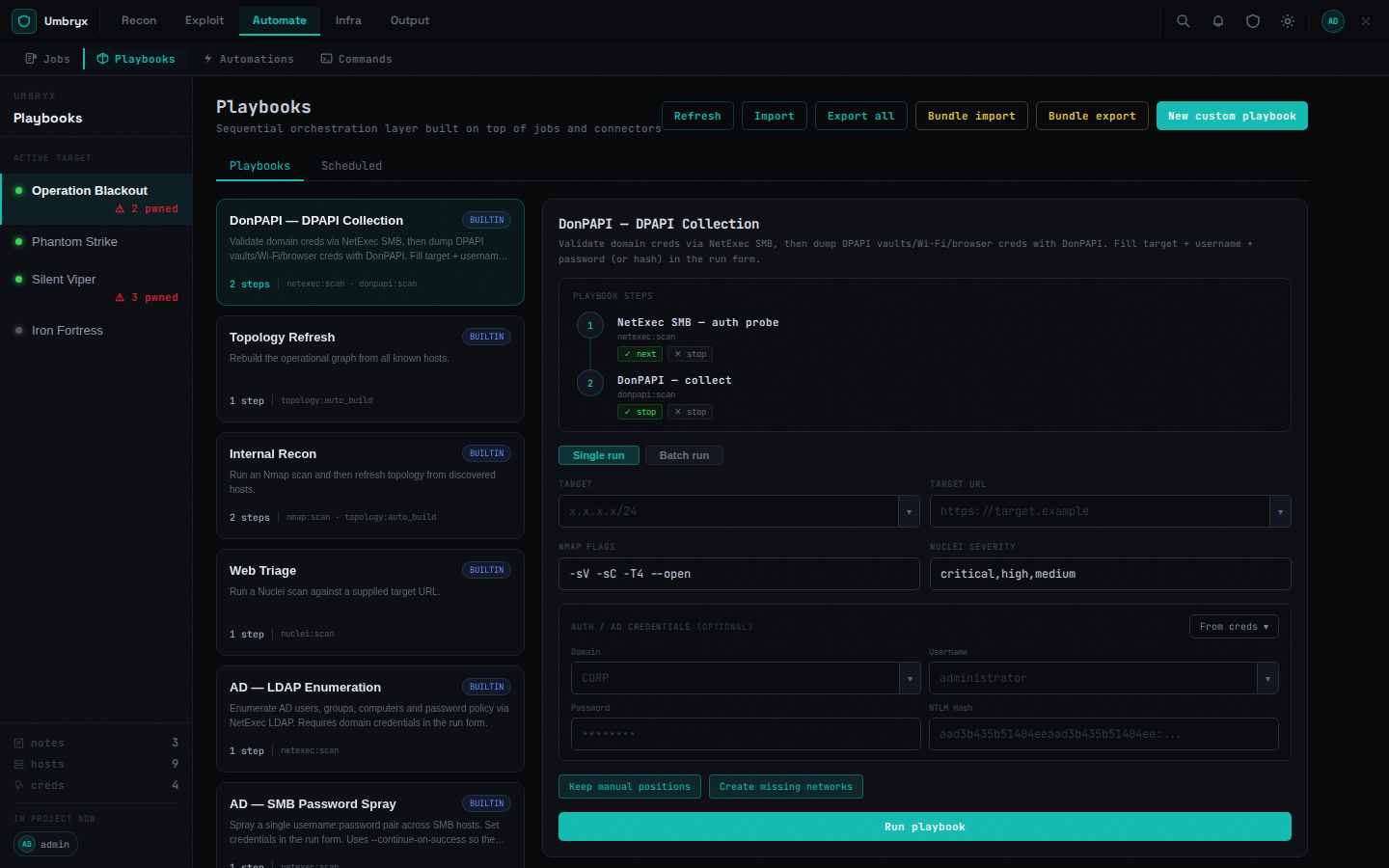
Playbooks
Named DAGs of steps. Editor features:
- Steps bind a connector operation (nmap, nuclei, NetExec, exec, cred-validate, topology refresh, C2 exec, …) with parameter pickers fed by project data (hosts, scope, creds)
- Branching:
on_success/on_failure(next / jump / stop), result conditions,depends_on, retries, preconditions - Validation before saving; DAG preview
Running:
- Single run — parameterized launch
- Batch run — across a target list with parallelism
- Scheduled — cron-like schedules with manual trigger
Operation packs — reusable step sets; insert into any playbook. Import/export as JSON per playbook or all; per-project bundle ZIP (playbooks + packs). Built-in examples include AD enumeration chains, sprays, BloodHound collection (see AD workflows).
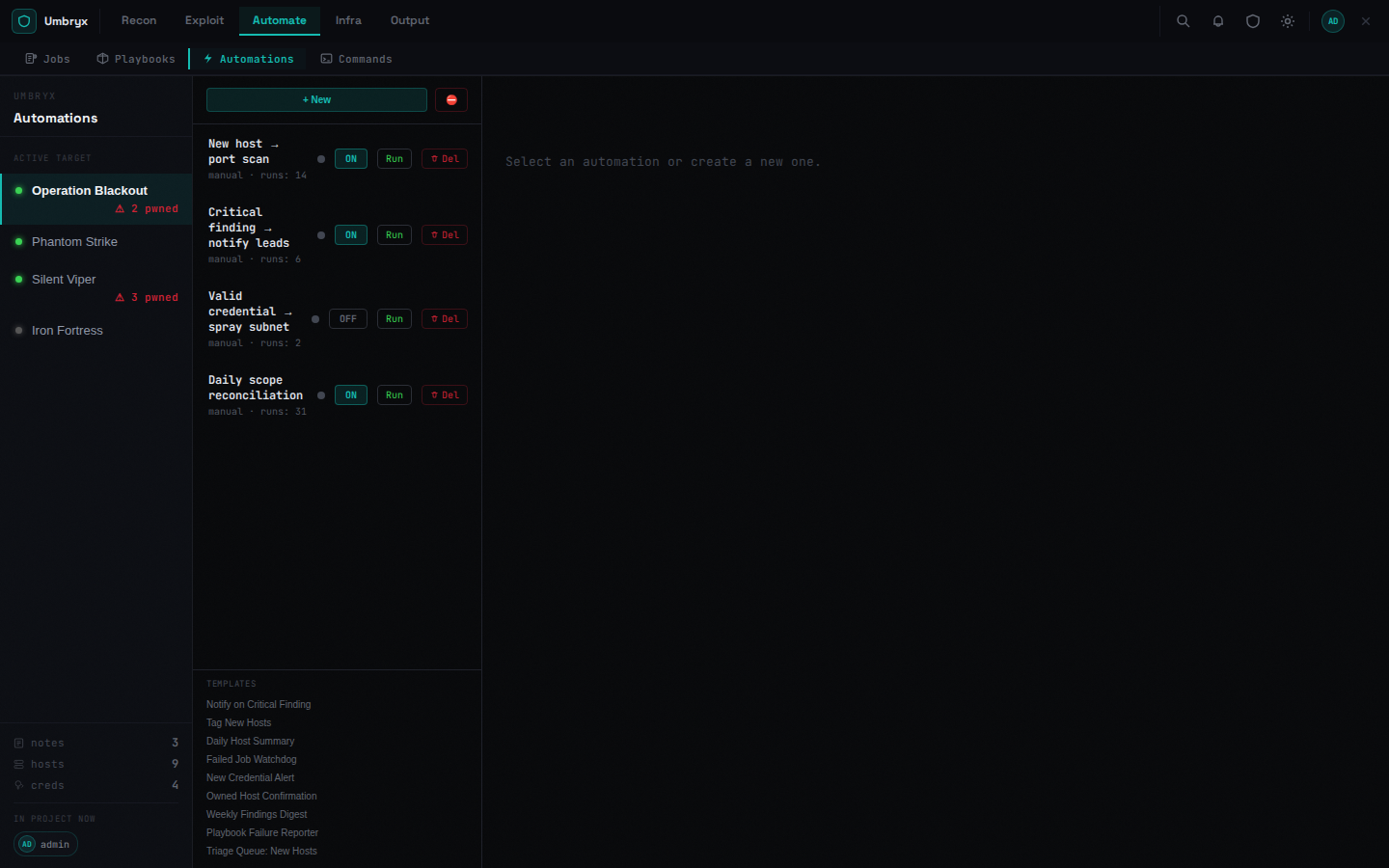
Automations
Trigger-driven rules:
- Triggers: manual, event (e.g. new cred, job finished, watch diff), schedule, cascade
- Conditions: operators (eq/gt/contains/matches…) in AND/OR/NOT groups over project facts
- Steps: action / delay / if / loop / call-playbook, with on-error policies, timeouts, concurrency limits
- Dry run executes harmlessly and shows the trace; Validate checks the definition; Kill all stops runaway runs
- Import/export; templates provided
Playbook vs automation
A playbook is what to run; an automation is when and under which conditions. Automations can call playbooks.
Expected behavior
- Every run appears in Jobs/Runs with per-step logs
- Runs can be cancelled and rerun; failures surface per step