Umbryx — C2 Integrations
Purpose
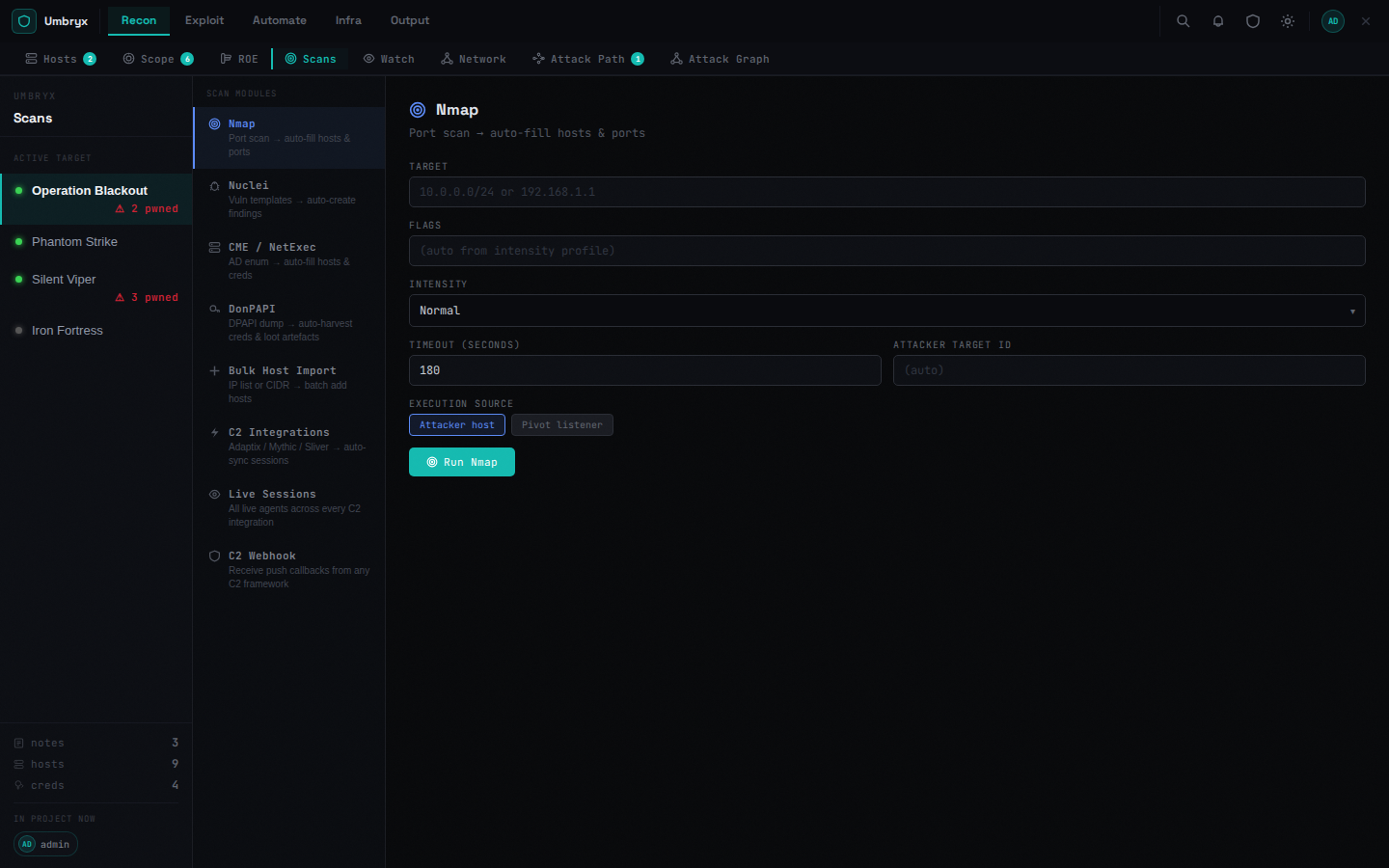 The C2 integration layer connects Umbryx to external command-and-control systems and event sources.
Its role is to pull or receive operational state and convert it into project entities.
Typical outputs are:
- compromised hosts
- credentials
- findings
- activity and topology context
Supported Sources
Current builtin support includes:
- Sliver
- Mythic
- Adaptix
- generic event ingestion through project webhooks
Cobalt Strike is not supported at this stage
There is no Cobalt Strike support in Umbryx at this stage — neither live integration nor webhook ingestion. It is on the roadmap; see Planned.
Main Components
Backend areas:
backend/app/routers/c2/ (package: _integrations, _adaptix, _mythic, _sliver, _sessions, _exec, _sync)backend/app/routers/webhooks.pybackend/app/core/job_tracker.pybackend/app/plugins/loader.py
Frontend areas:
frontend/src/views/ScansView.jsxfrontend/src/views/SystemModulesView.jsxfrontend/src/components/C2HostActionsPanel.jsxfrontend/src/views/HostsView.jsxfrontend/src/views/NetworkView.jsx
Data Storage
Integration configuration is stored in global_settings.
Sensitive fields such as tokens and passwords are encrypted.
Functional Coverage
Implemented
- admin CRUD for integrations
- project scoping for integrations
- test and sync actions
- webhook-based event ingestion
- job creation for C2 sync
- host auto-create and conservative host status update on ingest
- credential creation from C2-derived data
- per-project live session inventory
- project-scoped integration visibility in session and C2 views
- Adaptix live host actions from host cards and network map
- Adaptix command execution against matched live agents
- Adaptix BOF catalog pull from server
axscript/commands - BOF command normalization into groups, templates, parameters, defaults, and choices
- merged credential selection from Umbryx and Adaptix credential stores for command rendering
- interactive CLI-style task submission with recent task polling for Adaptix agents
- host activity and job creation for Adaptix-issued operator actions
Partial
- BOF parameter quality depends on how much metadata Adaptix returns for each command
- interactive CLI currently polls recent tasks rather than using a streaming transport
- session-to-topology and session-to-attack-path enrichment are still limited
- inventory pulled from C2 is not treated as automatic compromise
- current host-status semantics from C2 are:
- inventory only ->
up - live user foothold/session ->
access - live admin/root context ->
pwned - strongest privileged control (
SYSTEM) ->owned
Scope notes
- richer loot and artifact ingestion from C2 sources is a work in progress
- deeper operator workflow around imported sessions and execution history is a work in progress
Jobs and Connectors
This layer now participates in orchestration through:
- connector
c2_integration - connector
c2_webhook - job type
c2_sync - job type
c2_exec
This means C2 synchronization is now part of the same orchestration model as scans, topology actions, and playbook-created work.
Adaptix operator-issued execution is also recorded in the same model through c2_exec jobs and host_activity entries.
Adaptix Live Actions
Current Adaptix-specific operator workflow supports:
- selecting a live agent matched to the current project host
- running ad hoc shell-style commands via agent tasking
- pulling the full BOF or AxScript command catalog from the Adaptix server
- rendering BOF forms from normalized parameter metadata and template placeholders
- rendering commands with Umbryx or Adaptix credentials through placeholders like
{{USER}},{{PASS}},{{DOMAIN}}, and{{TARGET}} - polling recent agent tasks for lightweight interactive CLI behavior
The current execution path uses Adaptix agent tasking rather than a persistent bidirectional shell stream.
How To Use
Operator workflow:
- Open a host in
Hostsview or click a node inNetwork Map. - In the host details panel, find
Adaptix live actions. - Select a matched live Adaptix agent for that host.
-
Choose one of the execution modes:
-
Commandfor ad hoc tasking BOFfor catalog-driven BOF or AxScript commands-
Optionally select a credential source:
-
umbryxcredential stored in the project c2credential imported from Adaptix-
Run the action and review the result in:
-
inline output panel
JobsHost activity
Command Mode
Command mode supports:
- raw command entry
- quick operation buttons for common host actions
- credential-driven operation packs when a credential is selected
- credential placeholder substitution
Quick operations currently populate common commands such as:
- host identity
- network info
- process listing
- logged-on users
- local admin and share enumeration on Windows
- sudo and service inspection on Linux
Credential-driven packs currently prefill common remote-operation commands such as:
- SMB auth check
- WinRM check
- WMI exec
- PsExec
- Evil-WinRM
- SSH check
- LDAP bind
- pass-the-hash SMB or WMI style checks when the selected credential is a hash
Supported placeholders:
{{USER}}{{PASS}}{{DOMAIN}}{{TARGET}}{{HASH}}
How to use credential-driven packs:
- Select a credential from the credential dropdown.
- Stay in
Commandmode. - Click one of the
Credential packsbuttons. - Review the generated command.
- Run it directly or edit it before execution.
BOF Mode
BOF mode works by pulling the full Adaptix command catalog from the server and normalizing it into UI fields.
Current behavior:
- commands are grouped by upstream catalog group
- parameter forms are rendered from command metadata when present
- placeholder-derived fields are created when upstream metadata is incomplete
- the rendered command is shown before execution
This means BOF form quality depends on the command metadata that Adaptix exposes.
Interactive CLI
The interactive CLI block is a lightweight task console for the selected agent.
It supports:
- sending direct command lines to the agent
- polling recent task history
- auto-refresh or manual refresh of task status
It is not yet a full streaming shell transport.
Bulk Credential-Driven Operations
In Hosts view, the Bulk Run panel can now be used as an orchestration surface for repeated credential-based commands across many selected hosts.
How to use it:
- Select multiple hosts in
Hosts. - Open
Bulk Run. - Choose the attacker SSH execution source.
- Optionally choose a project credential relevant to the selected hosts.
- If a credential is selected, use one of the generated credential-pack buttons.
- Run the generated command across the selected hosts.
Current bulk credential packs focus on common workflows such as:
- SMB auth sweeps
- WinRM sweeps
- WMI or PsExec style execution
- SSH sweeps
- LDAP bind checks
- pass-the-hash style SMB or WMI checks
Bulk run supports these placeholders in command templates:
{target}{{TARGET}}{{USER}}{{PASS}}{{DOMAIN}}{{HASH}}
This path currently runs through attacker SSH transport rather than live C2 agent tasking.
Automatic state updates for credential-driven bulk runs:
- Umbryx stores a run summary for the operator in the
Bulk Runpanel - successful runs can upsert
cred_host_notes - access roles are added when the command implies a concrete access type
sshfor SSH-based commandswinrmfor WinRM-based commandslocal_adminfor WMI or PsExec style execution- hosts with status
unknownoralivecan be promoted toaccesson successful credential-driven runs - if a project attacker host was used and both endpoints exist on the map, Umbryx creates or updates a manual access edge in the network graph
This makes bulk execution part of the orchestration state model rather than only a transient command launcher.
Current graph enrichment behavior:
- source node: selected project attacker host
- target node: host that succeeded during bulk run
- edge type: inferred from the command pack such as
ssh,winrm, orlocal_admin - edge state:
observed - edge verification:
true - edge reason: successful credential-driven bulk run with timestamp context
Live tasking support
Command execution from the host actions panel is available for Adaptix, Mythic and Sliver (raw command line entry and cred-pack substitution). Cobalt Strike is not supported at this stage (see the note above). The C2 Ops tab in Platform Ops (Enterprise) additionally creates on-demand listeners and generates payloads for Adaptix.